6. CONNECTION PROCEDURE
6.1 CONNECTION TO DOLBY DSS SERVERS
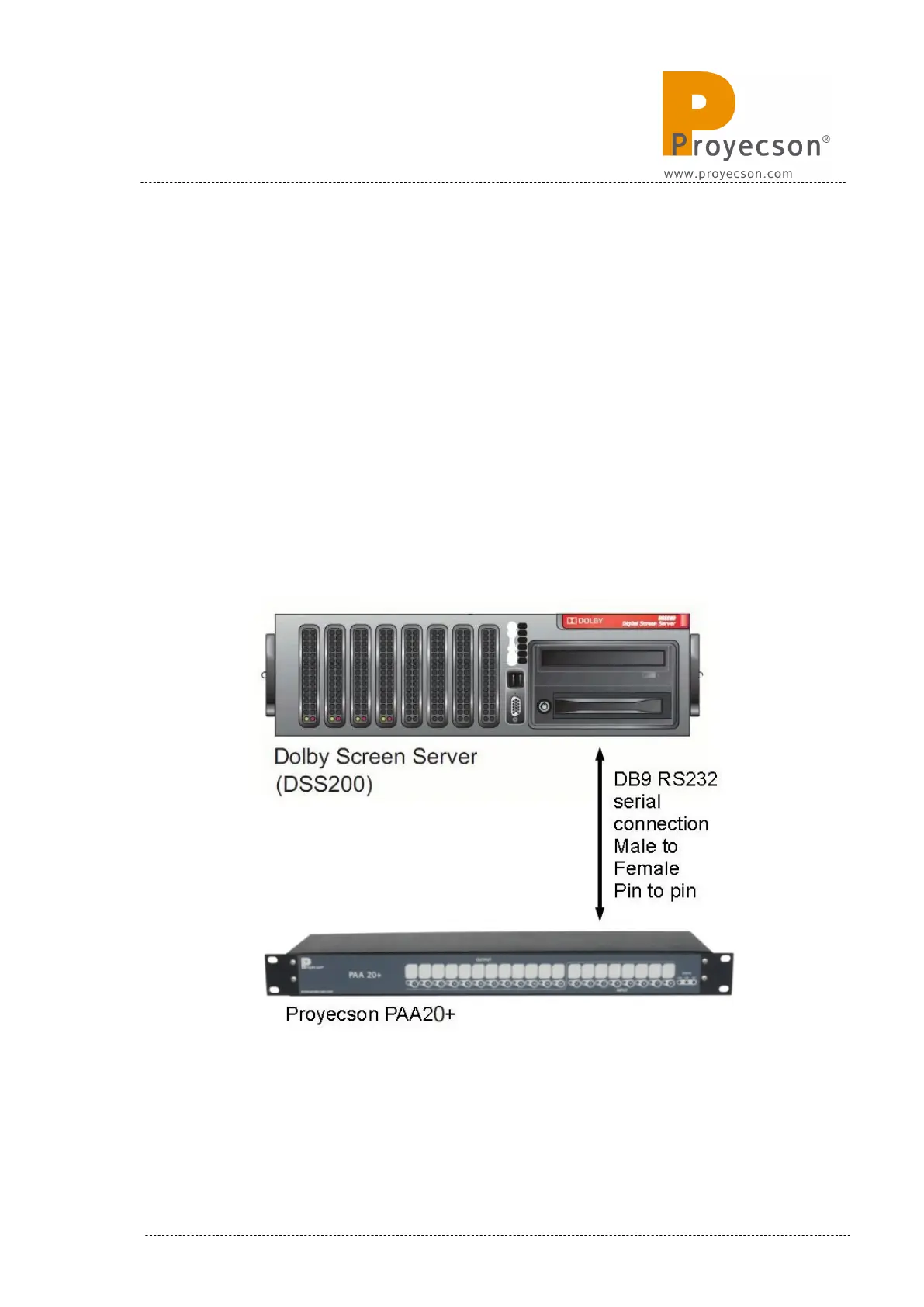
The PAA20+ must be connected to a Dolby DSS100, DSS200 or DSS220
servers through port RS232.
Connect the RS232 serial port of the Dolby server to the RS232 serial port of
the PAA20+ using a pin to pin male to female standard serial cable.
Configure the PAA20+, the Dolby server serial port and send/receive com-
mands as explained throughout this manual.
See the interconnection diagram on the following picture:
Figure 6.1C
INSTALLATION MANUAL: PAA20+ V 2.0 (10/2021) 13



 To Next Page