8.2.3 Setting up the output cues for Doremi DCP and SV servers
(non-xml library method)
Once the device is added, set up the “cues” in order to manage the PAA20+
outputs. There are two methods to do this: the first one is to add the output
cues (only valid for output cues, not for trigger cues) following the Doremi
Macro Editor Manual.
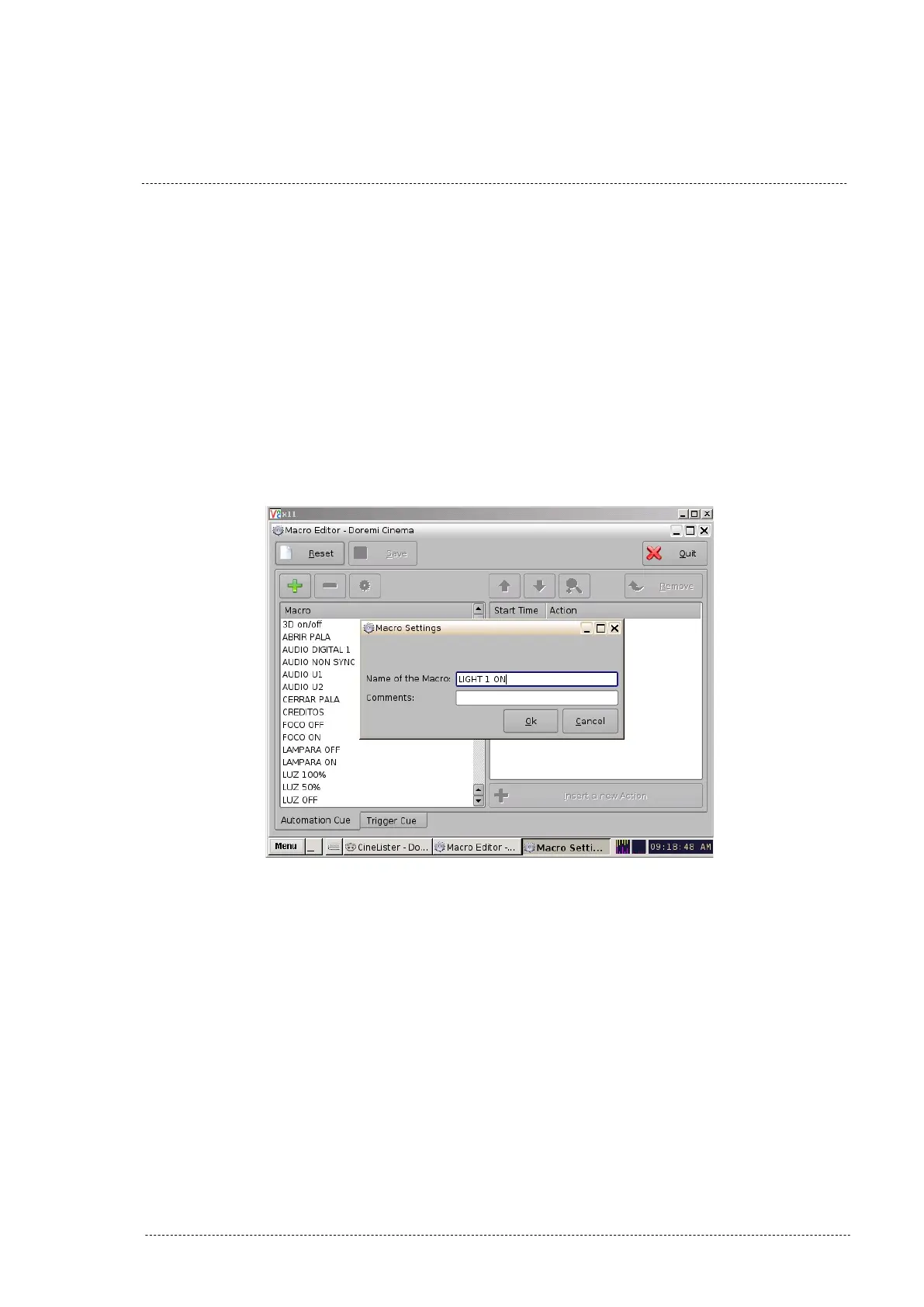
1. Create a new “Macro” using the “+” button and name it, as shown in
Figure 8.2.3A.
Figure 8.3.3A
2. Click on button “Insert a new action” while the new created macro is
selected.
3. Select “Input/Output” in the “Add a new Action” pop-up window and
click on “Add”. See figure 8.2.3B.
INSTALLATION MANUAL: PAA20+ V 2.0 (10/2021) 52



 To Next Page