AP D.3 USE.
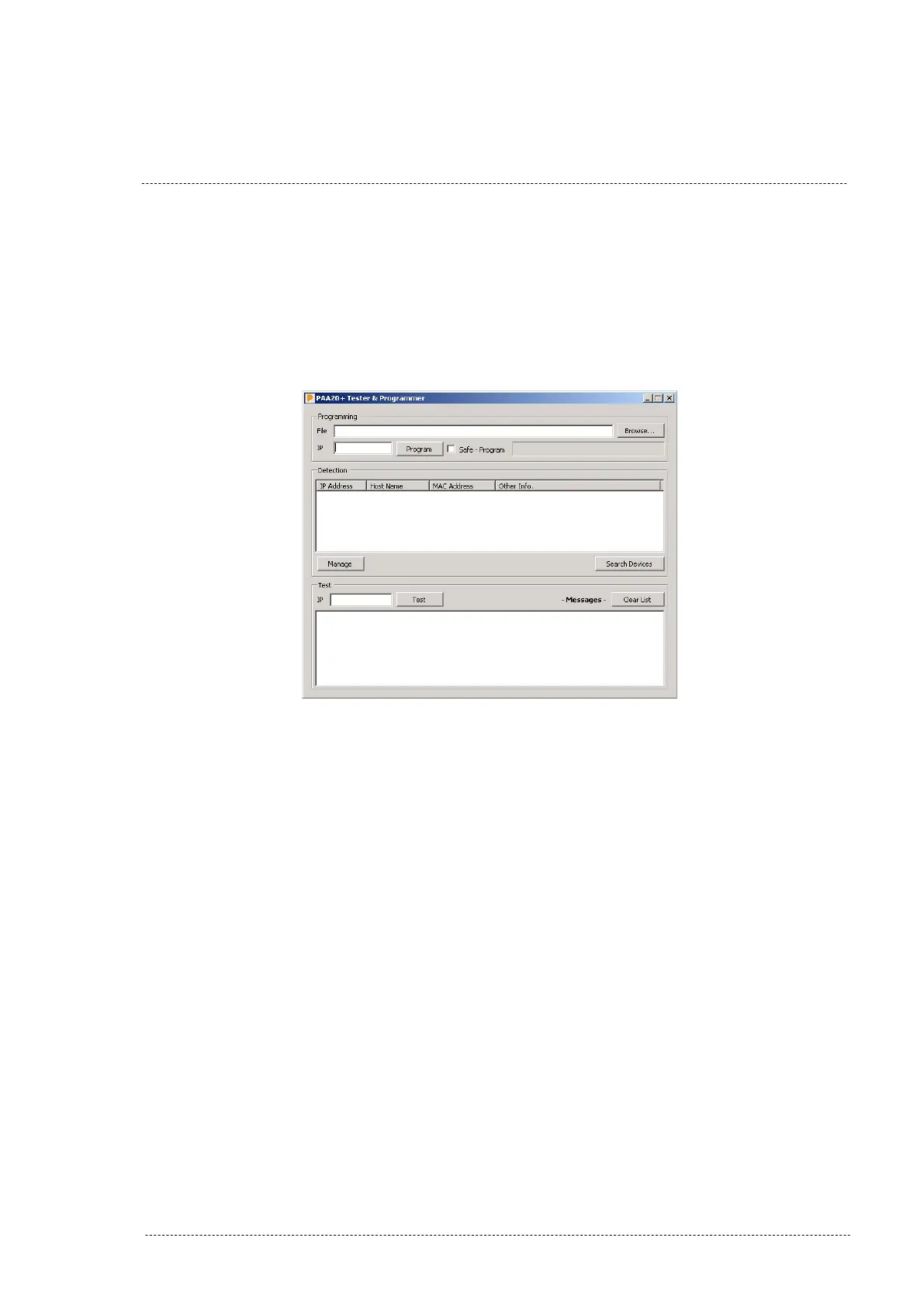
The interface of the program is shown in the Figure AP.DB. It is divided in
three parts: Programming, Detection and Test.
Figure AP.DB
AP D.3.1 DETECTION
The detection feature is designed to search for the PAA20+ in the same IP
subnetwork you PC or Laptop is located.
To use this feature, you must have your computer IP address in the same
subnet you have the PAA20+. Then press the “Search Devices” button and
wait for the searching process. Figure AP.DC shows the program interface
with a PAA20+ detected. The interface shows the IP address, the host name
and the MAC address of the device.
INSTALLATION MANUAL: PAA20+ V 2.0 (10/2021) 126



 To Next Page