8.5 GDC SERVER SET-UP.
This manual is based on three different GDC software versions:
• 7.7b –rc17 and older versions.
• 7.8.2 and higher for the SX-2001A and SX-2000A servers.
• 9.0 and higher for the SX-2000AR servers.
Before initiating a connection to the PAA20+, this must be first added as a
new server device.
8.5.1 Adding the PAA20+ to the GDC server: Ethernet interface.
To add the PAA20+ as an Ethernet device in the GDC server follow these
common steps to all software versions:
1. Turn on the server.
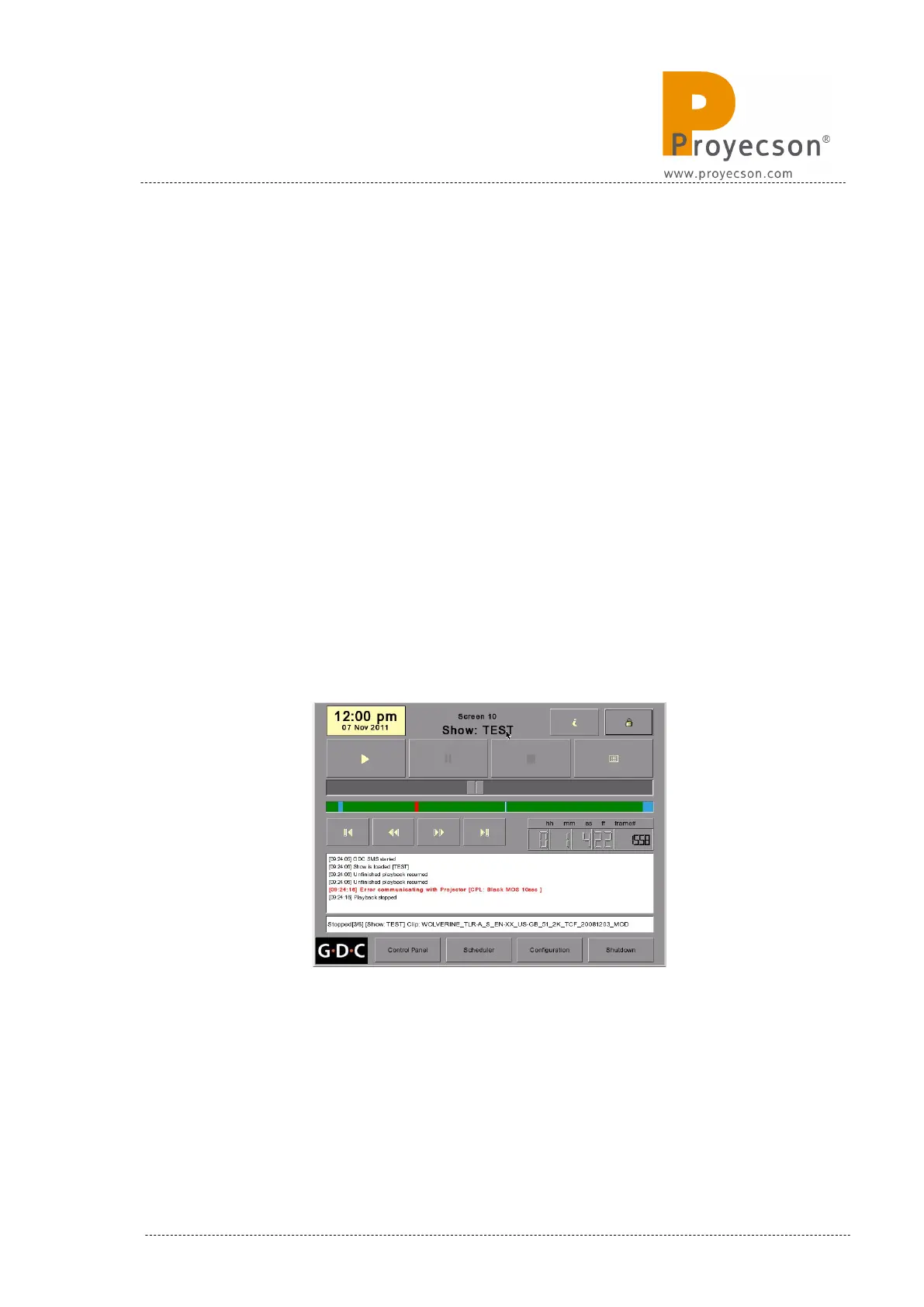
2. The server boots showing the SMS screen, Figure 8.5.1A.
Figure 8.5.1A
INSTALLATION MANUAL: PAA20+ V 2.0 (10/2021) 91



 To Next Page