8.2.2 Adding the PAA20+ to Doremi DCP and SV servers: serial
interface.
Only non-IMS servers as DCP200, DCP2K4 and ShowVault, support serial
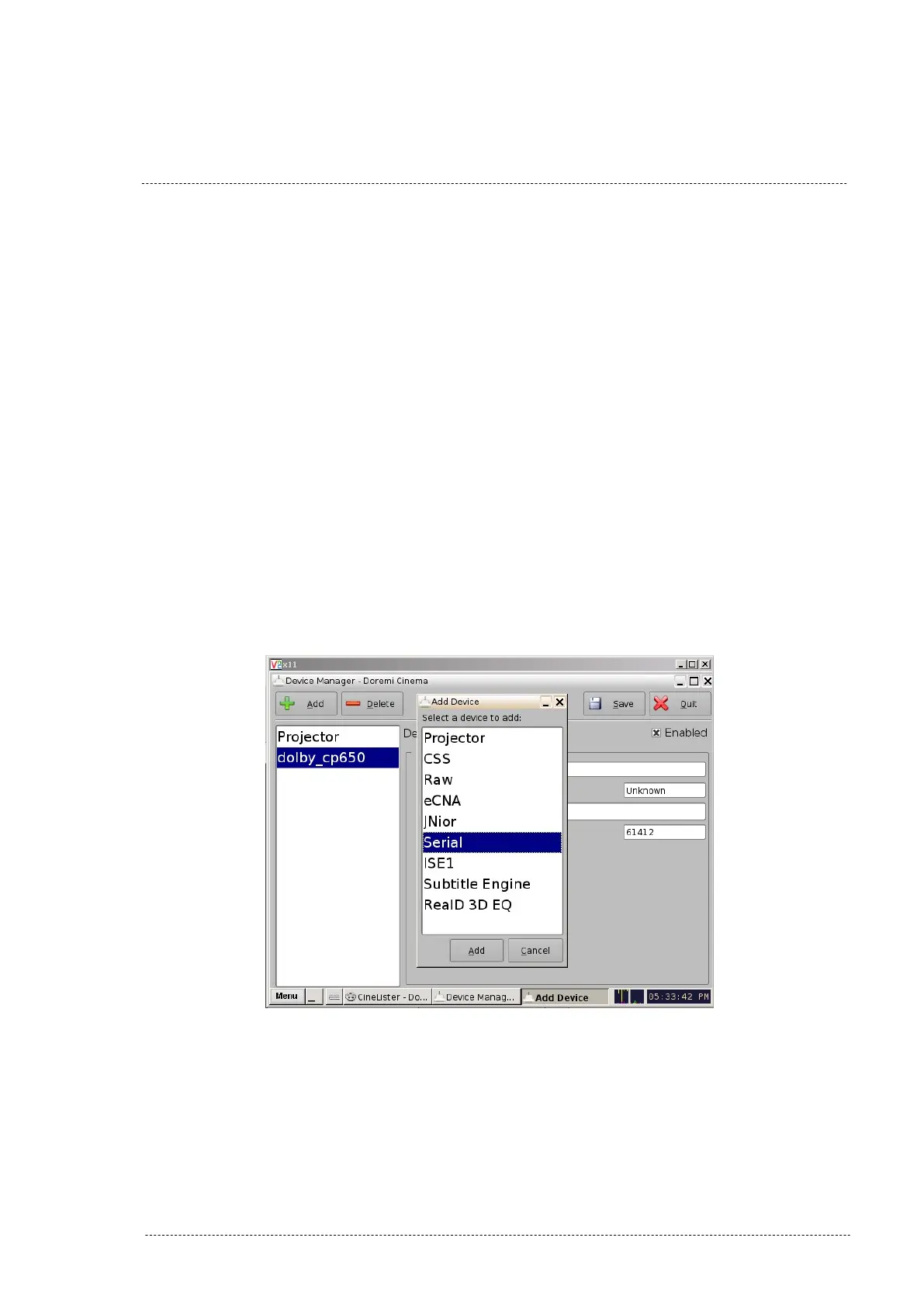
interface. To add the PAA20+ as a Serial device in the Doremi server
software follow these steps:
1. Turn on the server.
2. Start the “Device Manager”, accessible through Menu -> Doremi
Labs Inc. -> Device Manager.
3. Click on icon “Add”.
4. On the appearing pop-up window, select device “Serial” as shown
Figure 8.2.2A.
Figure 8.2.2A
INSTALLATION MANUAL: PAA20+ V 2.0 (10/2021) 50



 To Next Page