8.4 BARCO ALCHEMY ICMP SERVER SET-UP.
8.4.1 Adding the PAA20+ to Barco Alchemy ICMP servers: Ethernet
interface.
This point describes how to add the PAA20+ as Ethernet device in the Barco
Alchemy ICMP servers. To set up the automation devices in an Alchemy
server it is mandatory to use the Barco Communicator software, it is not
possible to do it using the Alchemy server GUI or Barco Commander:
1. Turn on the server projector and, therefore, the server.
2. Use the Barco Communicator software to connect to the Barco
projector and log in as “Service Technician”.
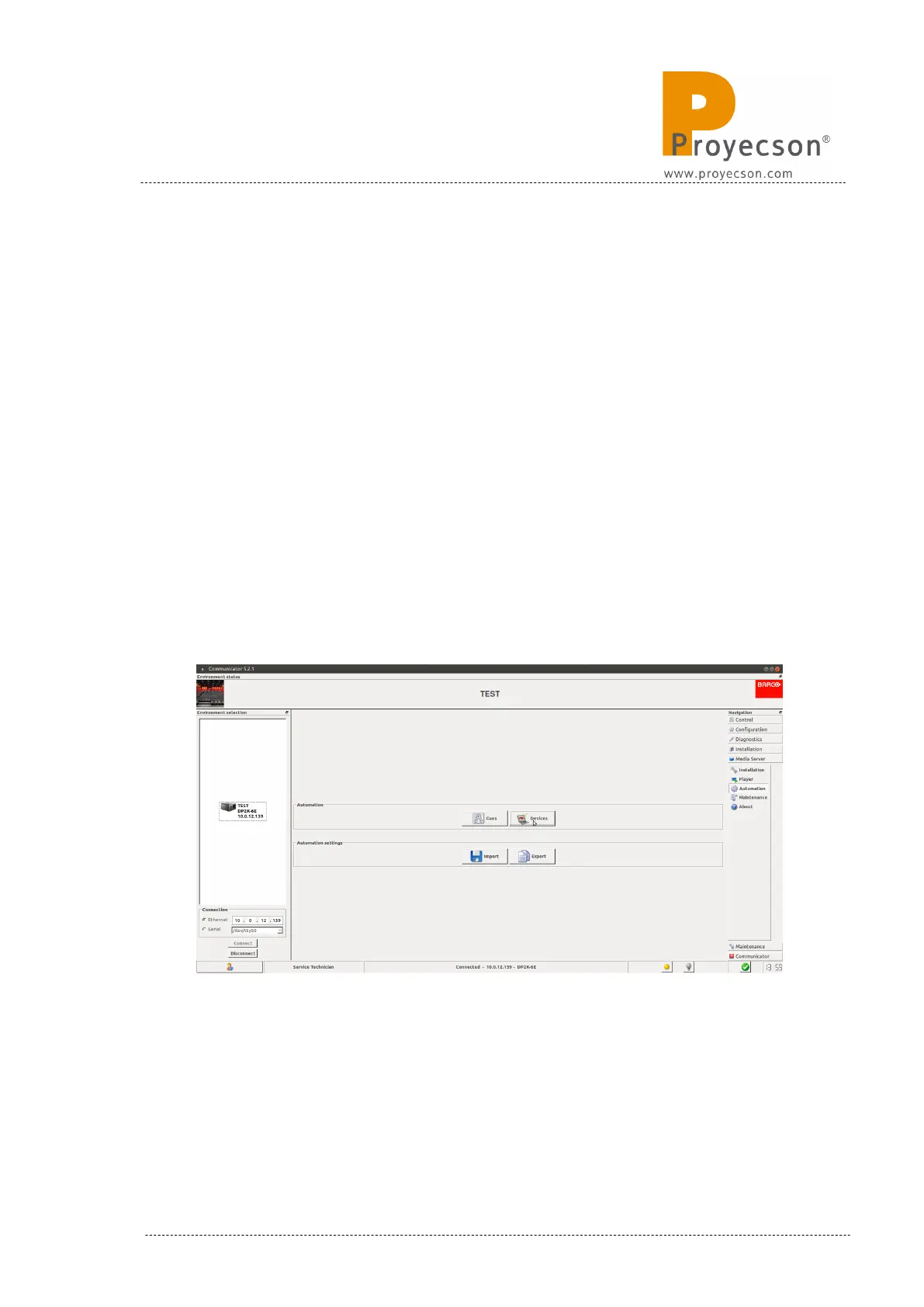
3. Click on the “Devices” button on MEDIA SERVER AUTOMATION→
menu Figure 8.4.1A.
Figure 8.4.1A
INSTALLATION MANUAL: PAA20+ V 2.0 (10/2021) 77



 To Next Page