8.6 QUBE SERVER SET-UP.
This manual is based on the 2.5.5.7 Qube software version, other versions
may differ.
Up to this version the PAA20+ is only compatible with the Qube XP-D servers
using serial interface connection.
To perform Qube servers automation configuration it is mandatory to modify
some Qube system files, you must modify this files carefully to prevent
system failure. It is recommended to backup these files before modification.
You need “Support” privileges to modify the automation and system files. If
you need the Support user password contact your Qube dealer.
8.6.1 Adding the PAA20+ to the Qube server: serial interface.
To add the PAA20+ as a serial device in the GDC server software follow these
steps:
1. Turn on the server.
2. Log out and log in as Support.
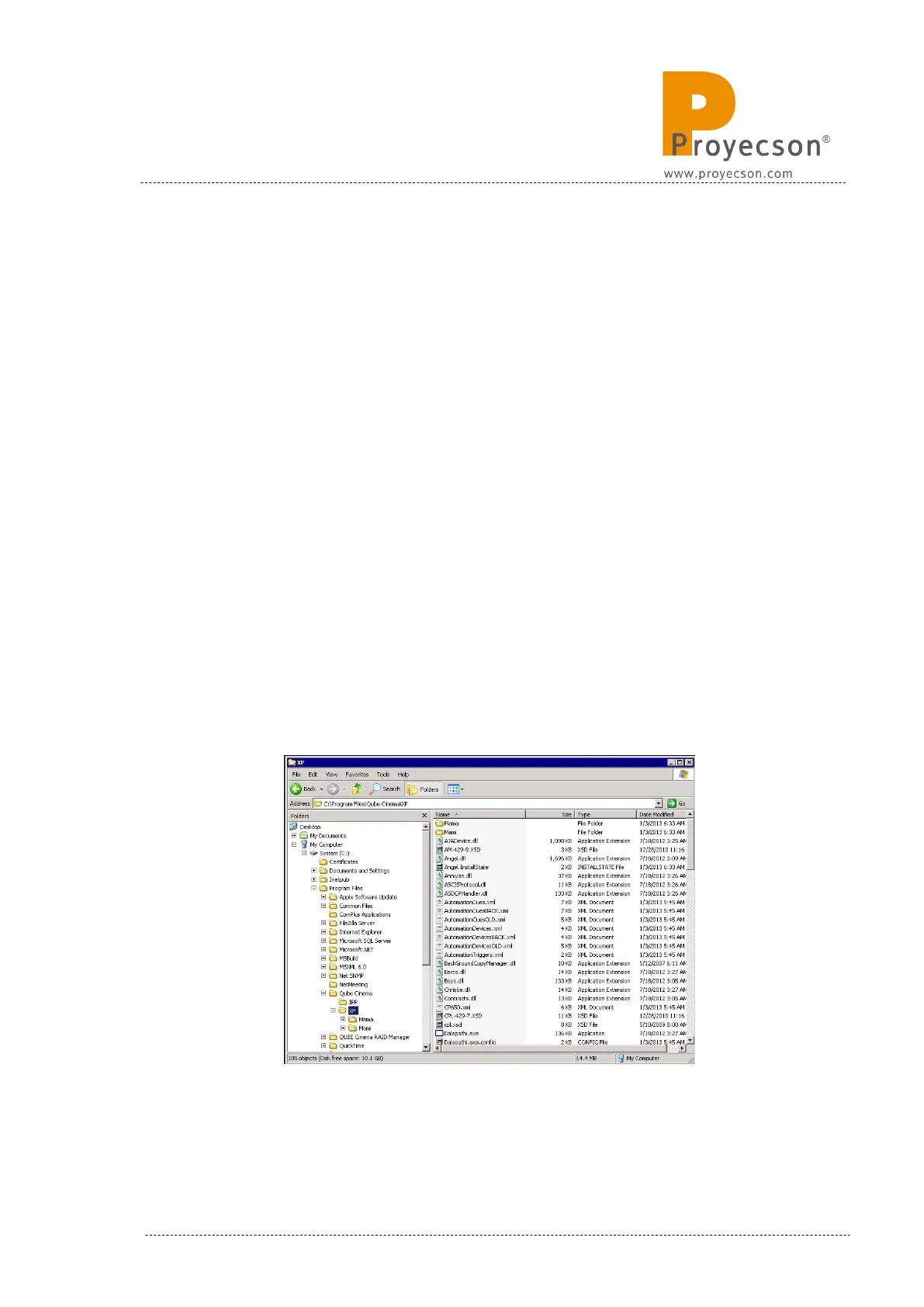
3. Open the folder C:\Program Files\Qube Cinema\XP. Figure 8.6.1A.
Figure 8.6.1A
INSTALLATION MANUAL: PAA20+ V 2.0 (10/2021) 99



 To Next Page