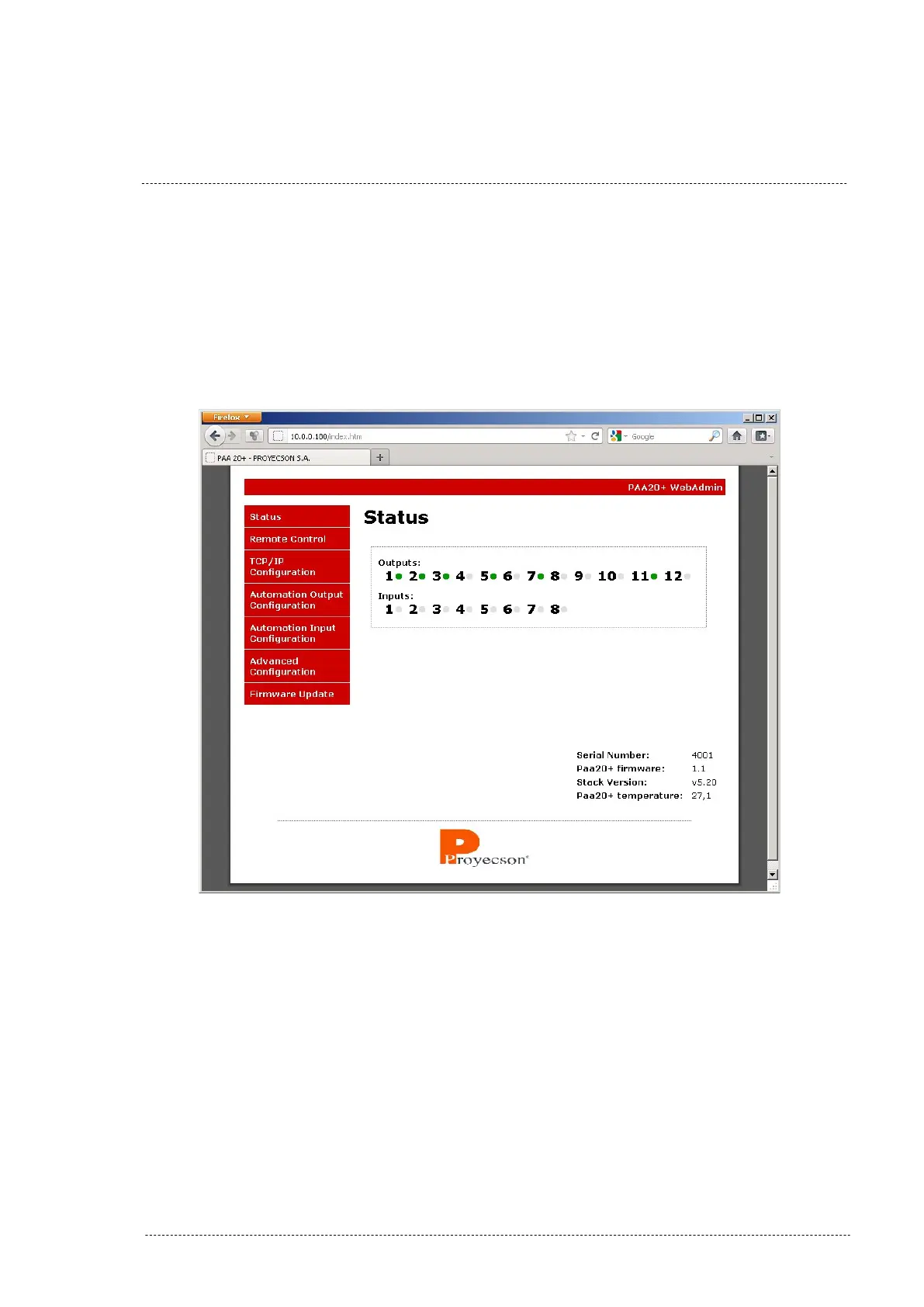
7.2 PAA20+ WEB ADMIN INTERFACE.
The interface displays a menu in the left side of the page where you can se-
lect different options.
7.2.1 STATUS PAGE.
Figure 7.2.1A
The first and initial page of the Web Admin interface is the “Status” page. In
this page you can check the state of the inputs and outputs of the device, as
well as the firmware, the Ethernet stack version and the temperature inside
the PAA20+ in degrees Celsius.
Outputs and inputs indicators are in green when active and in gray otherwise.
INSTALLATION MANUAL: PAA20+ V 2.0 (10/2021) 24



 To Next Page