Figure AP.DC
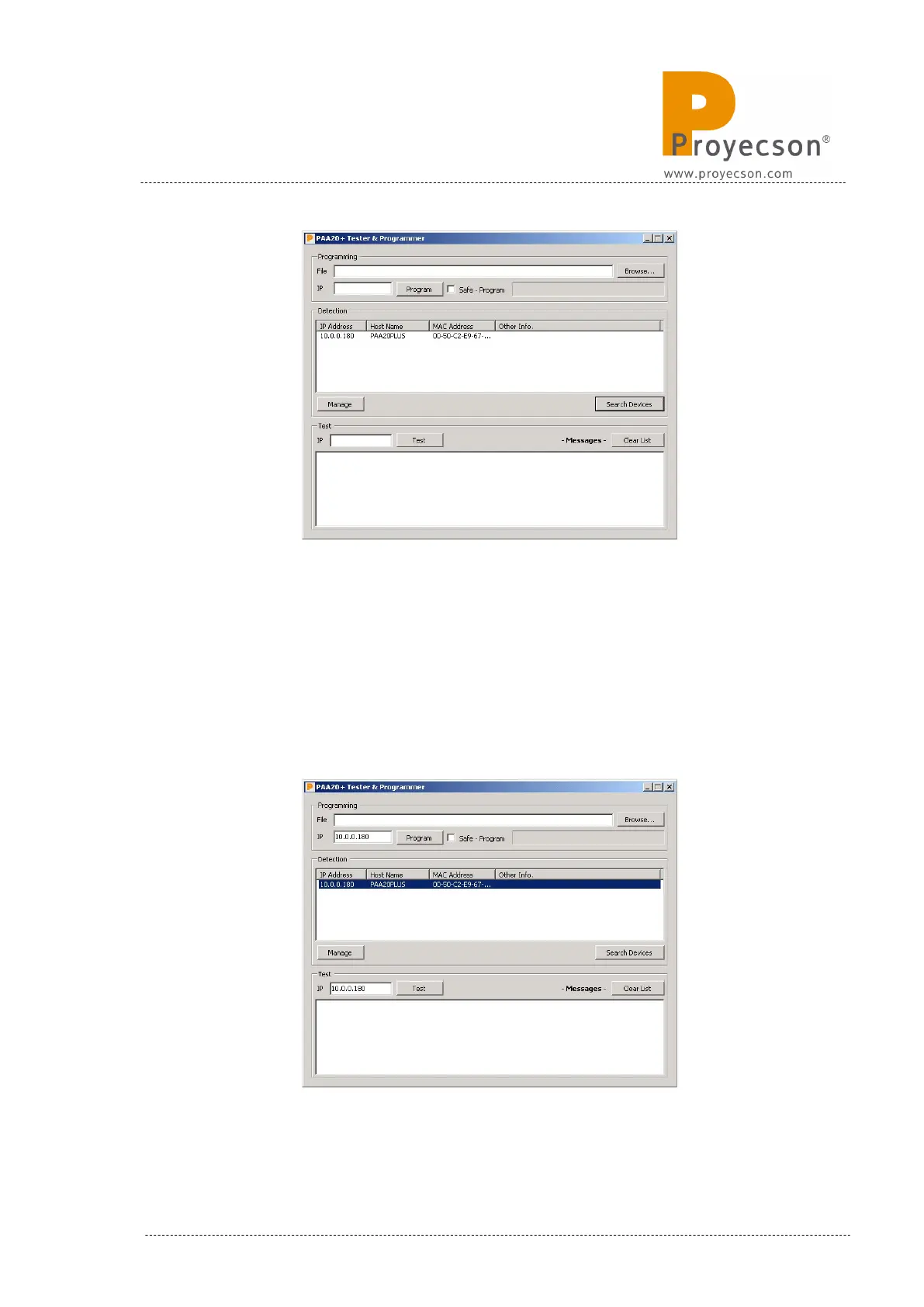
If you select the PAA20+ in the detection list and press the “Manage” button,
the WebAdmin page for this device will be opened in your default web
browser.
If you double click on a PAA20+ detected, the IP fields of “Programming” and
“Test” will be filled with this device IP. Figure AP.DD continues with the
example started in previous step.
Figure AP.DD
INSTALLATION MANUAL: PAA20+ V 2.0 (10/2021) 127



 To Next Page