AP D.3.2 TEST
The Test feature was first designed only for input/output test proposes during
quality test in factory, but now is available for the end user to check the
PAA20+ correct functioning.
To use the Test feature you must be in the same subnetwork of the PAA20+,
once the device IP is in the IP field you can press the “Test” button to check
the activation and deactivation of the outputs. When pressed, a sequence of
ON/OFF messages are sent to the PAA20+ from output 1 to output 12.
Configure the output interface as Ethernet, Port Number as 10001 and
Output Message Terminator as \r on the PAA20+ WebAdmin interface.
In addition, if the “Server IP” address on the “Automation Input
Configuration” page of the PAA20+ WebAdmin matches with the IP address
of your PC and the “Input Message Terminator” is set to “\r\n”, you will be
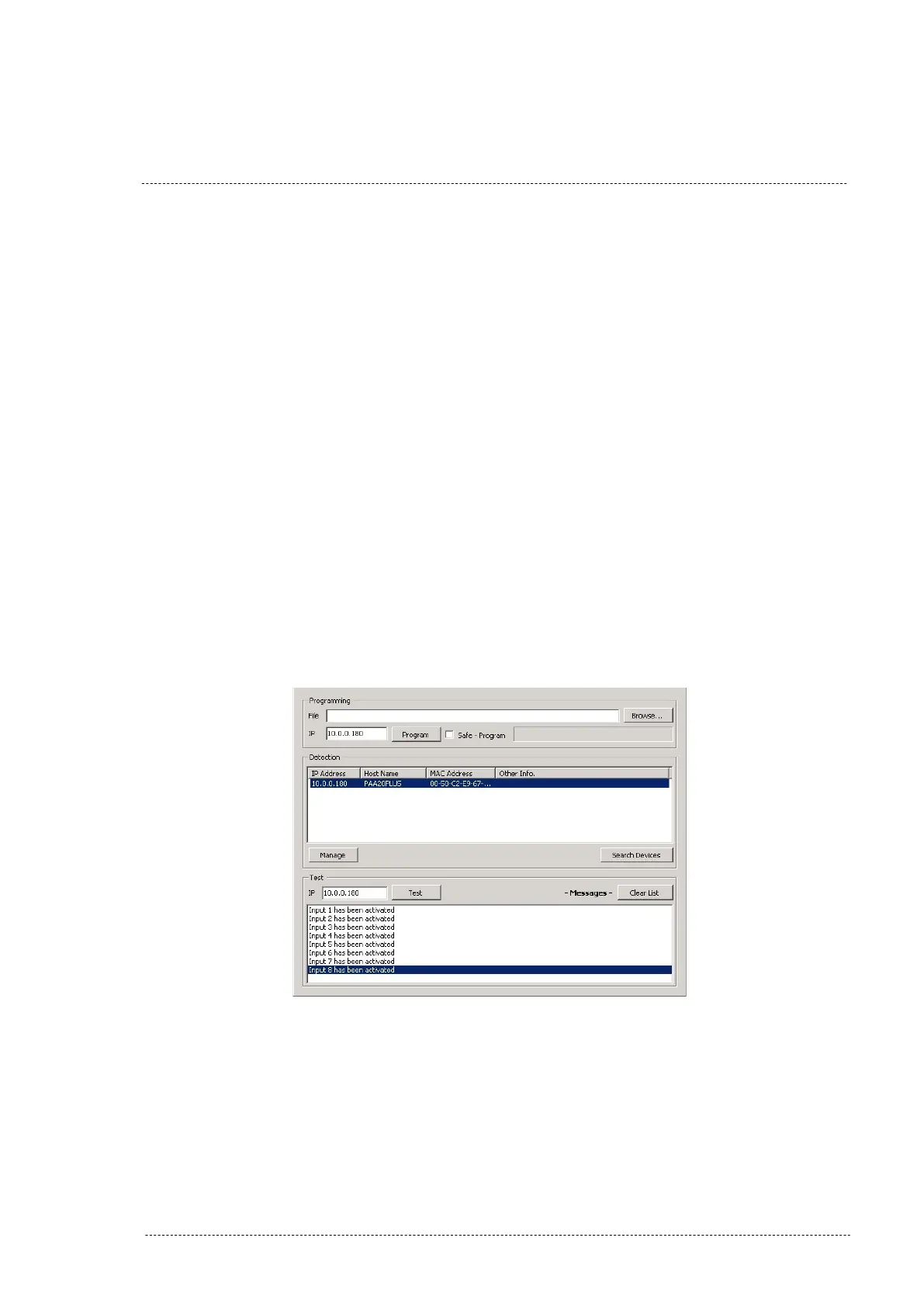
able to check the inputs of the PAA20+. Pressing each button of the PAA20+
inputs on the front side of the device, a message will be shown in the “Tester
& Programmer software” as you can see in the Figure AP.DE.
Figure AP.DE
INSTALLATION MANUAL: PAA20+ V 2.0 (10/2021) 128



 To Next Page