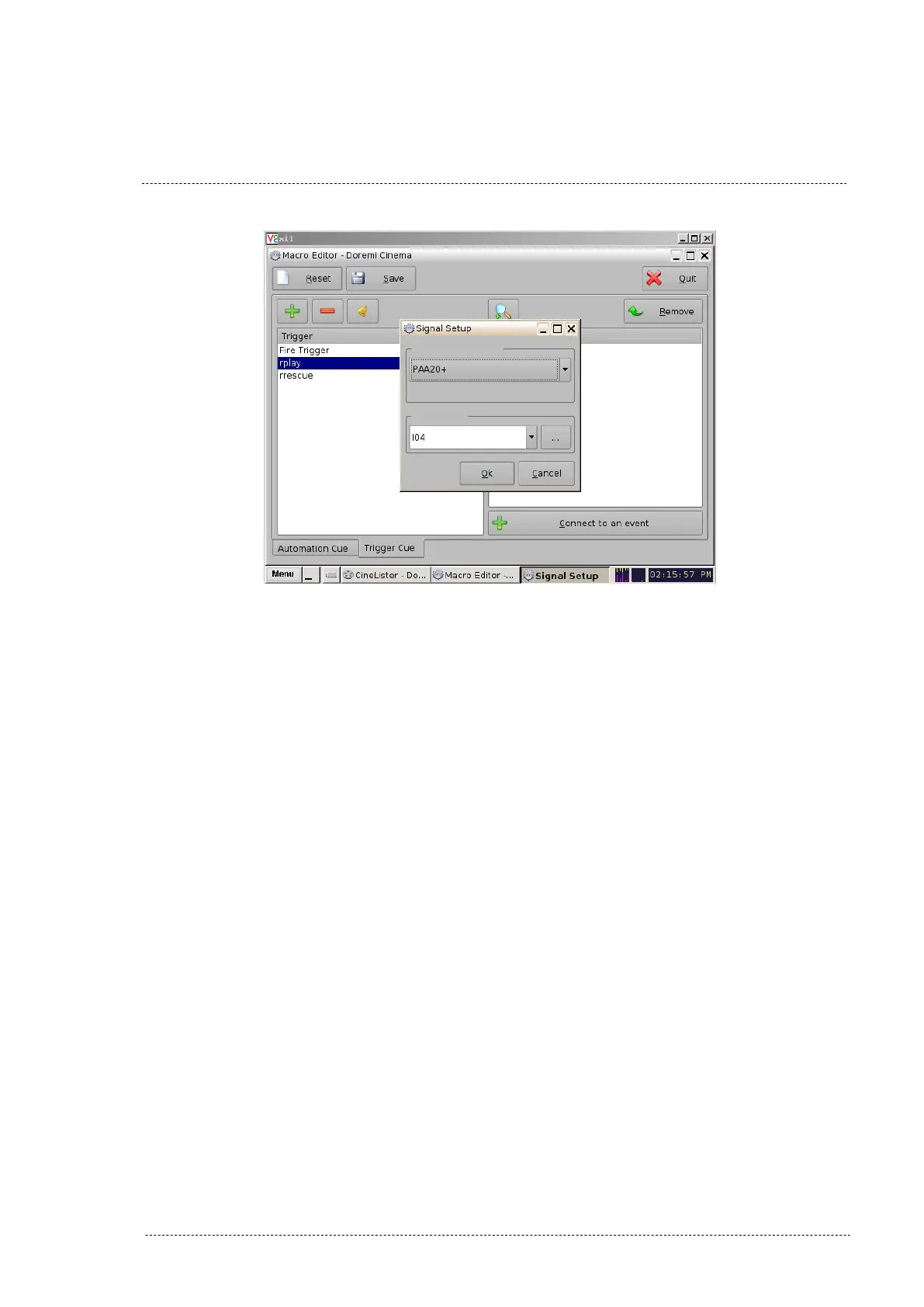
Figure 8.2.5E
6. Finally in the Doremi “Macro Editor” main screen you can save the trig-
ger cues configuration using the “Save” button. If you are not logged
as admin, you will need to be authenticated.
7. Now, you may use the “trigger cues” in the “Cinelister” editor to activ-
ate macros during the Show execution.
INSTALLATION MANUAL: PAA20+ V 2.0 (10/2021) 64



 To Next Page