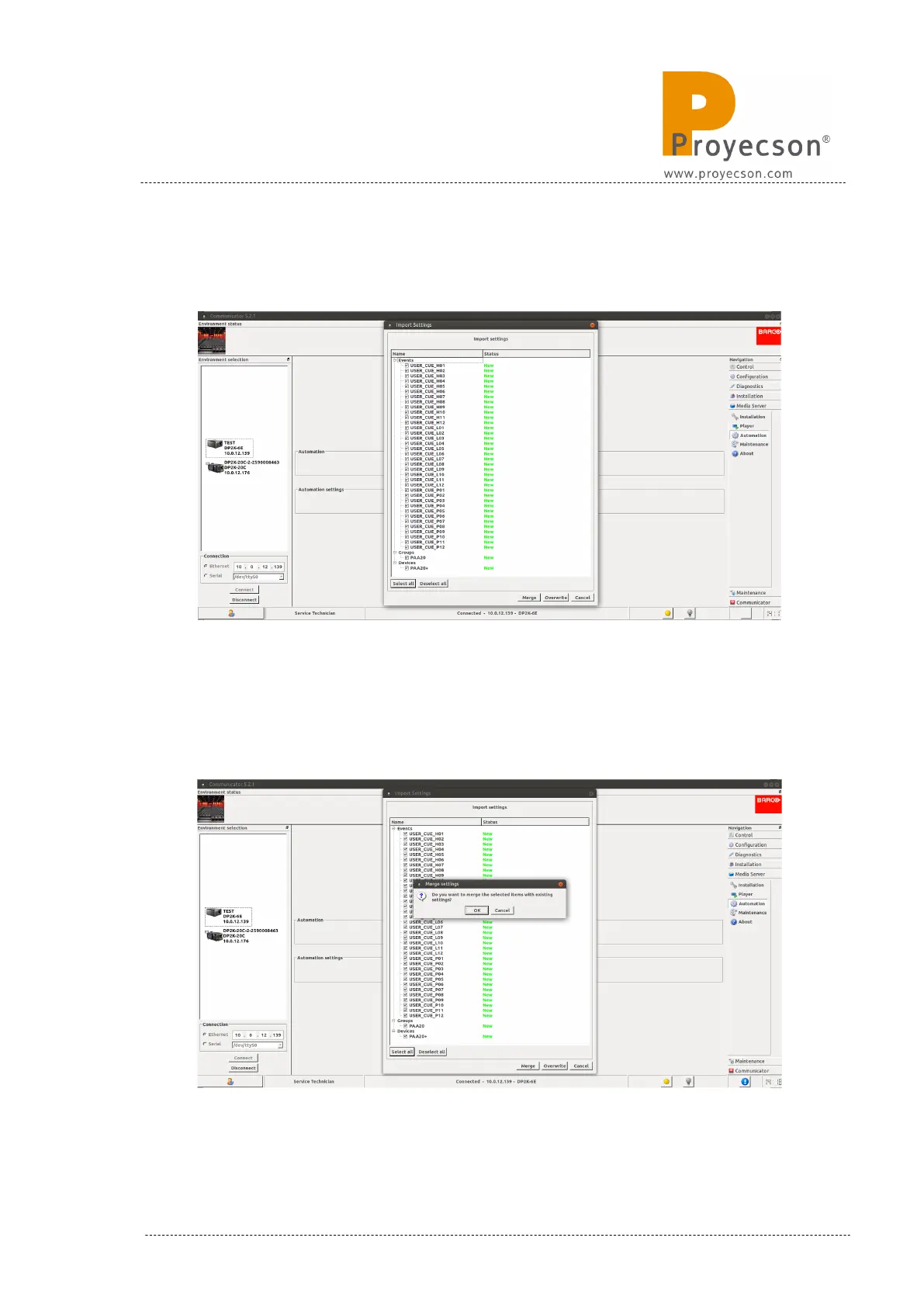
6. The new cues, groups and devices, described in the xml file will appear
in a pop-up window as you can see in Figure 8.4.3B.
Figure 8.4.3B
7. Click on the “Merge” button of the pop-up window to add these cues,
groups and devices to the existing automation file. A confirmation pop-
up window will appear, click on the “OK” button. Figure 8.4.3C.
Figure 8.4.3C
INSTALLATION MANUAL: PAA20+ V 2.0 (10/2021) 85



 To Next Page