6
P/N 016-0171-277 Rev. L 111
ENVIZIO PRO AND CRUIZER II CALIBRATION AND OPERATION
2. Proceed to the Engage Switch Calibration and Node Orientation section on page 111 to continue with the
SmarTrax system calibration.
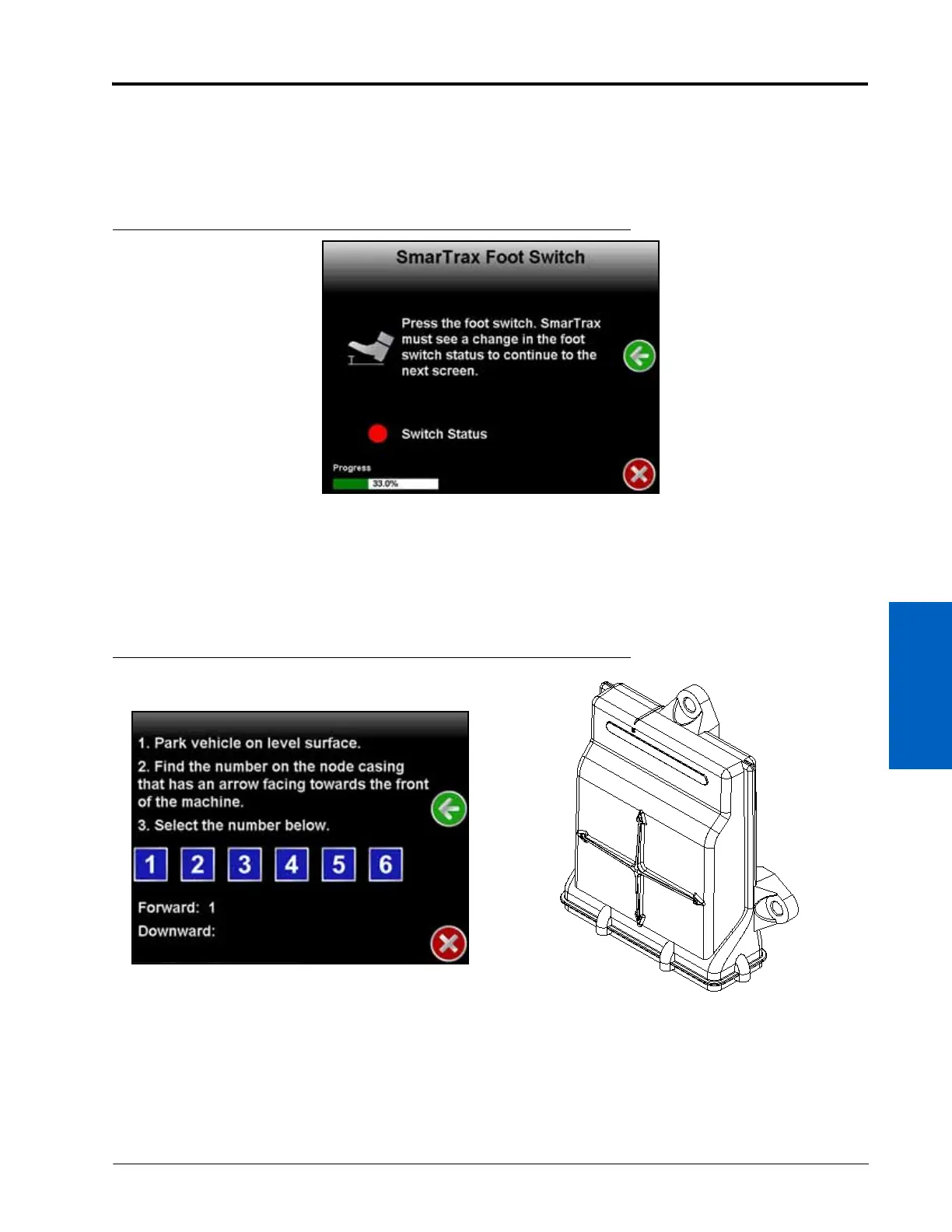
ENGAGE SWITCH CALIBRATION AND NODE ORIENTATION
FIGURE 17. Engage Switch Calibration Screen
1. Review the on-screen instructions.
2. Press and release the foot switch or engage switch.
NOTE: The SmarTrax Setup Wizard will automatically advance to the next step in the calibration process
when the engage switch it detected.
FIGURE 18. Node Orientation Screen
3. Ensure that the machine is parked on a level surface.
4. Select the number that corresponds with the node arrow number pointing forward on the machine.






 To Next Page