CHAPTER 5
90 SmarTrax™ Calibration & Operation Manual
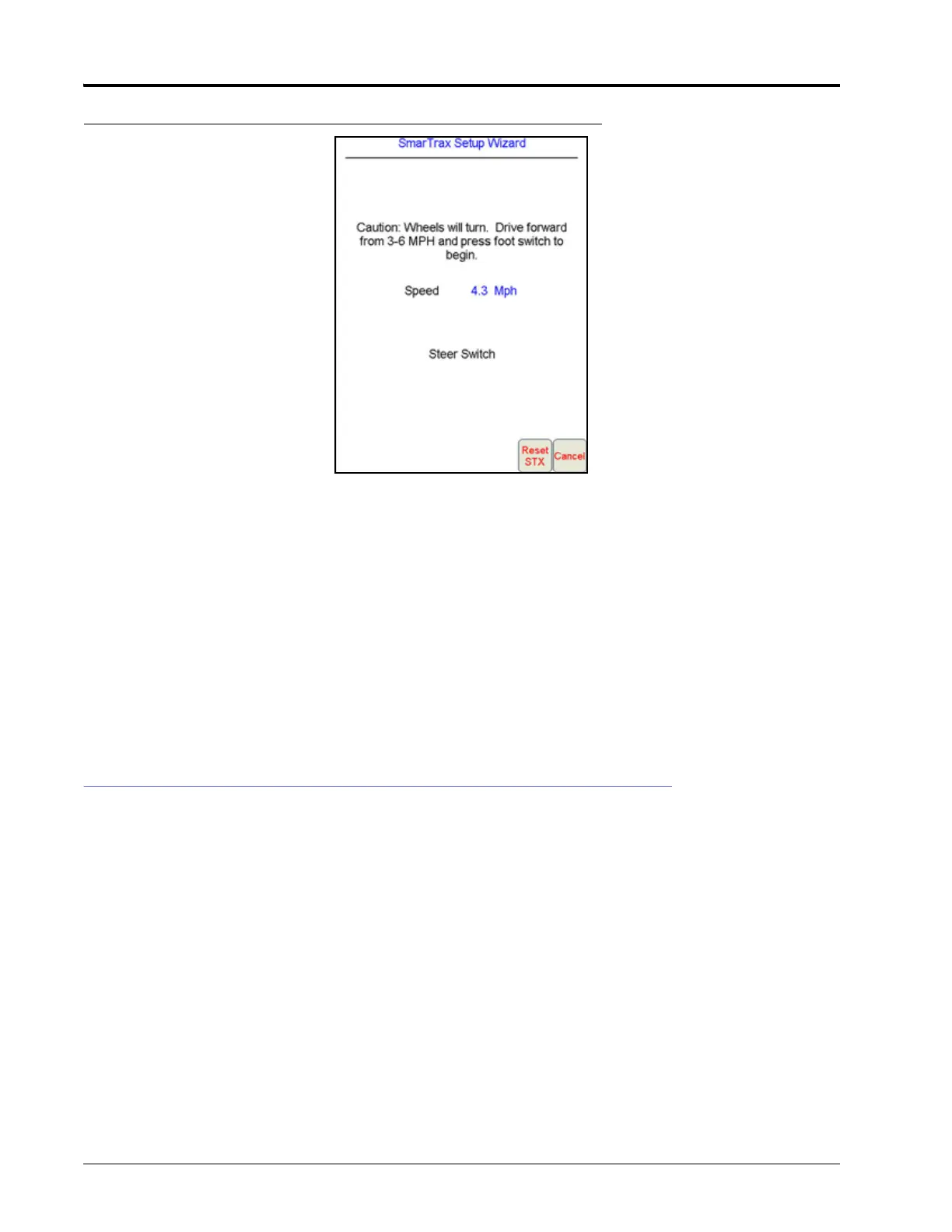
FIGURE 27. Steering Calibration Screen
1. Position the machine in an open space with several acres of smooth ground available to perform the machine’s
steering calibration.
2. Press the foot/engage switch to begin calibration.
NOTE: During calibration, the machine will turn hard to the left or right and progressively turn in the
opposite direction, then turn hard in that direction and progressively turn back in the opposite
direction. Adjust the speed and vehicle location as necessary.
NOTE: If an error message is displayed during calibration, refer to the “Error Messages” section on page 134
for possible causes and corrective action to complete the calibration process.
NOTE: After calibration is complete, the SmarTrax menu will be displayed.
SYSTEM ADJUSTMENTS
NOTE: While system adjustments can be made either during the SmarTrax system setup or within a job, it is
recommended that adjustments be made within a job so that the operator can determine the
effectiveness of the adjustments during system operation.
Refer to the Viper Pro Calibration & Operation Manual (P/N 016-0171-122) for instructions on starting
a job and setting guidance lines.
To adjust the steering response on the Viper Pro, touch the SmarTrax area on the Viper Pro main menu. The
following screen will appear:






 To Next Page