Chapter 9
180 Viper Pro Installation & Operation Manual
Create AccuBoom™ No-Spray Map Method
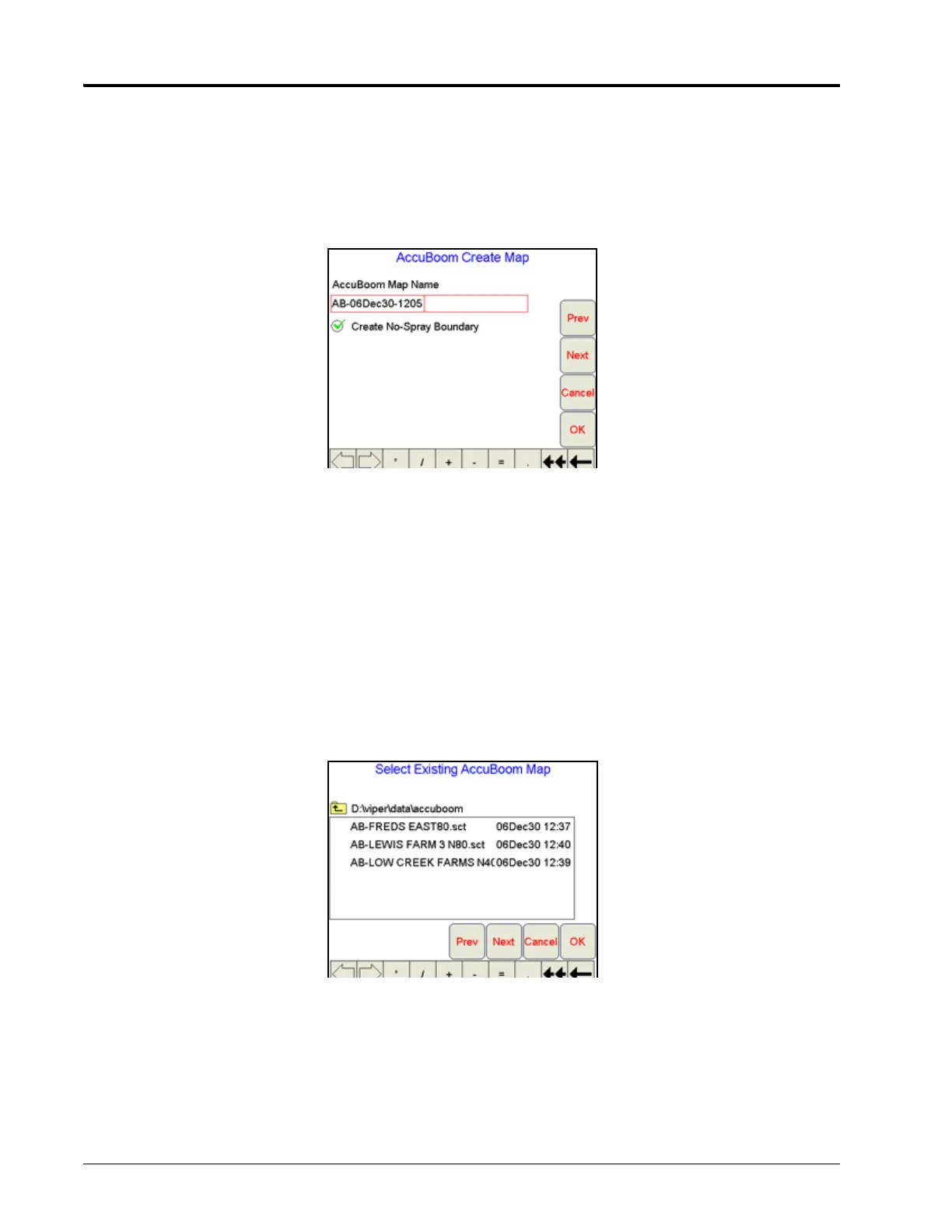
This method allows the operator to define spray and no-spray zones. The spray/no-spray zones may be
created while in the scouting operation or during product application. When this method is selected, a new
screen prompts the operator to name the map to be created. The operator also has the option to create a
boundary no-spray zone. Selecting the Create No-Spray Boundary option causes the Viper to automatically
create a no-spray zone for three boom widths outside the extents of all the spray zones created.
Once the job has been started, AccuBoom will function the same as in the standard AccuBoom mode until all
the zones have been defined and the spray/no-spray map is created. After the map has been created, all of the
no-spray zones will be masked off. Creating Spray/No Spray maps will be explained later in this section.
Note: If the Viper is set for ‘Manual’ control mode or a job is not in progress, standard AccuBoom
functionality will not be available and only the scouting or AccuBoom mapping features will be
available.
Load AccuBoom™ No-Spray Map Method
This method allows the operator to load a map that has already been created. If this method is selected,
touching the Next button will display a screen showing the AccuBoom maps contained in memory. The
operator can then select the desired map to load. No further setup is required.



 To Next Page