4
Manual No. 016-0171-122 Rev. I 61
Initial Set Up and Navigation
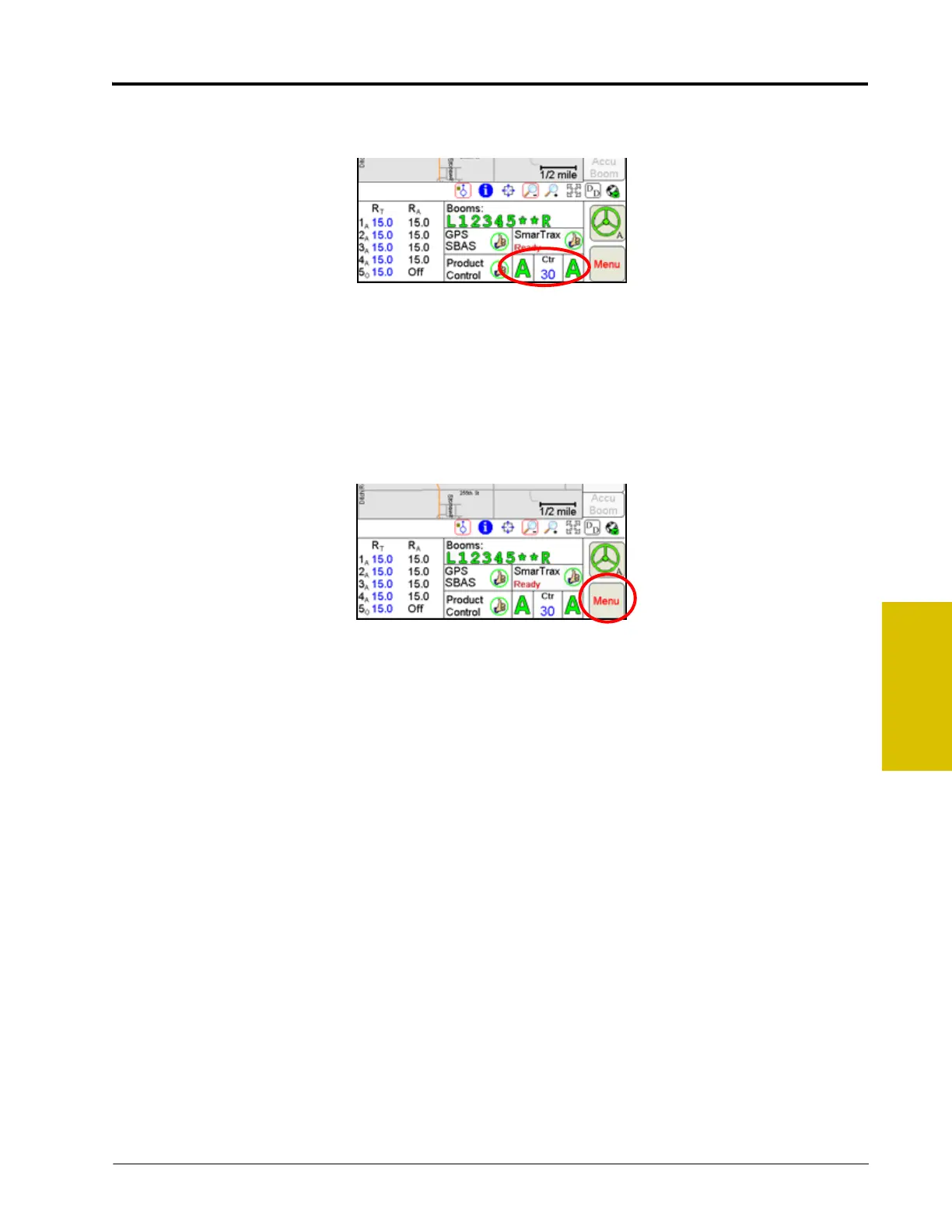
AutoBoom Status
The status of the optional Raven AutoBoom system is displayed in this area.
Refer to the CAN AutoBoom Calibration and Operation Manual for complete calibration and operation
instructions.
Note: The AutoBoom status is only displayed if a Glide Series AutoBoom™ system has been installed
and connected to the Viper Pro field computer via the Raven CANbus system.
Menu
Various configuration and feature settings for the Viper Pro control system are accessible via the ‘Menu’ button
in the lower, right corner of the Viper Pro display.
Access the menu to:
Note: Refer to Menu section on page 147 for details on the settings, features and options accessible
through the main screen menu button.
• Exit or Restart the Viper Pro application or shutdown the field computer
• View field computer software and hardware version information
• Access the internet (if a wireless access device is connected and properly configured)
• Setup the following control and feature items:
• Registration or authorization keys for optional Viper Pro features
• Map settings such as prescription (Rx) map colors, loading street maps (if available) and
adjusting coverage and scout map displays
• Display Language and Units, time zone settings and machine profiles
• Communication port settings
• Product control settings
• Light bar settings
• Boom configuration and settings
• File maintenance processes
• Begin or resume jobs or machine guidance



 To Next Page