Secon 6
Integra 3™ Electronic Control System
Research Instruments Ltd
6
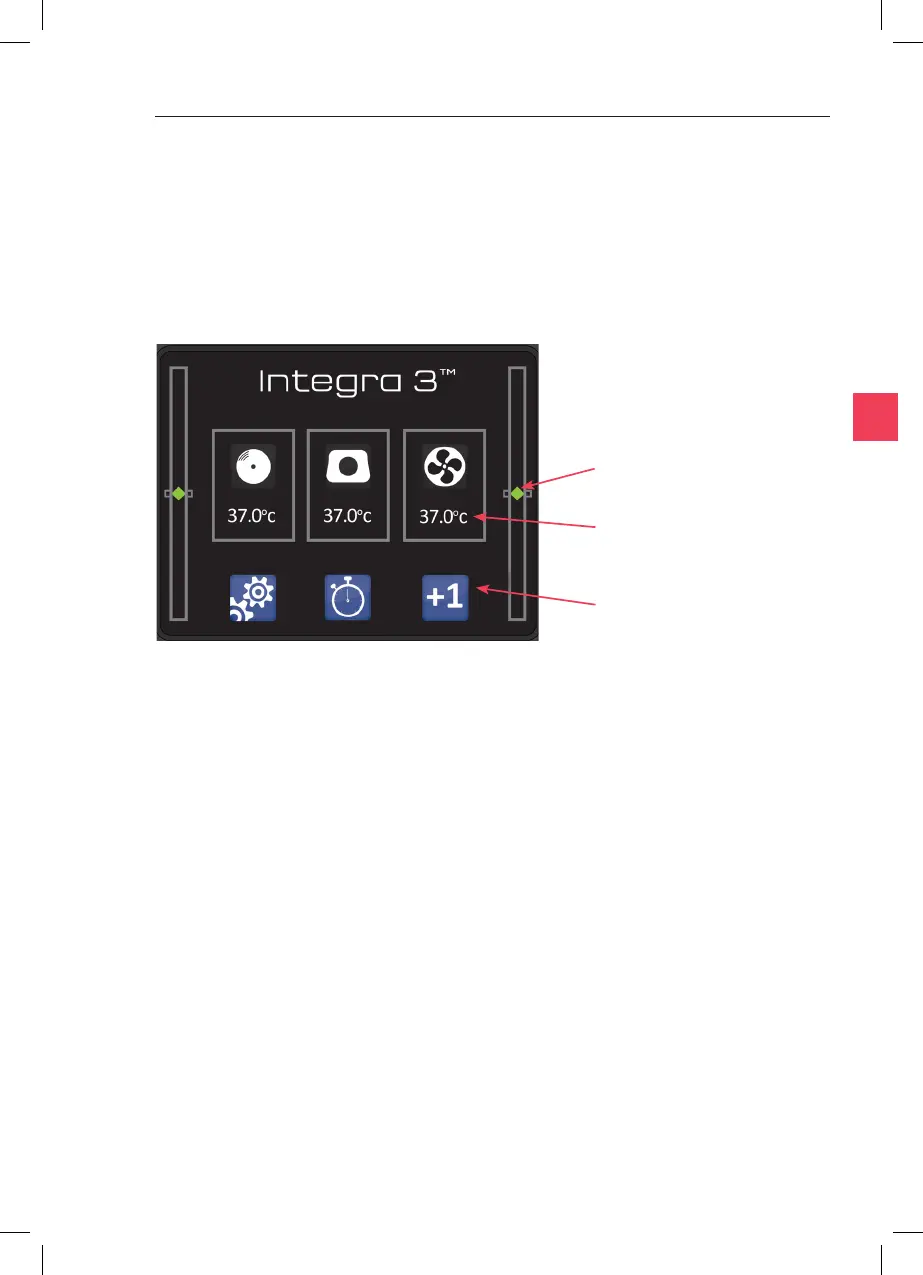
When the Integra 3 is switched on, a white screen with the RI logo is
shown for a few seconds, then the main screen is shown. See User
Interface Icons on page 28 for an explanaon of all the icons.
these show the actual temperature of each
heated area. Touch the icons to adjust the setpoint temperature of
each.
touch these to access sengs, calibraon and other
features.
see Height Indicators on page 30.
Temperature
Displays
Height
Indicators
Control Icons



 To Next Page