Secon 5
Integra 3™ Basic Operaon
21
Research Instruments Ltd
5
Requires the use of two 4x objecves
(one ed with a spacer)
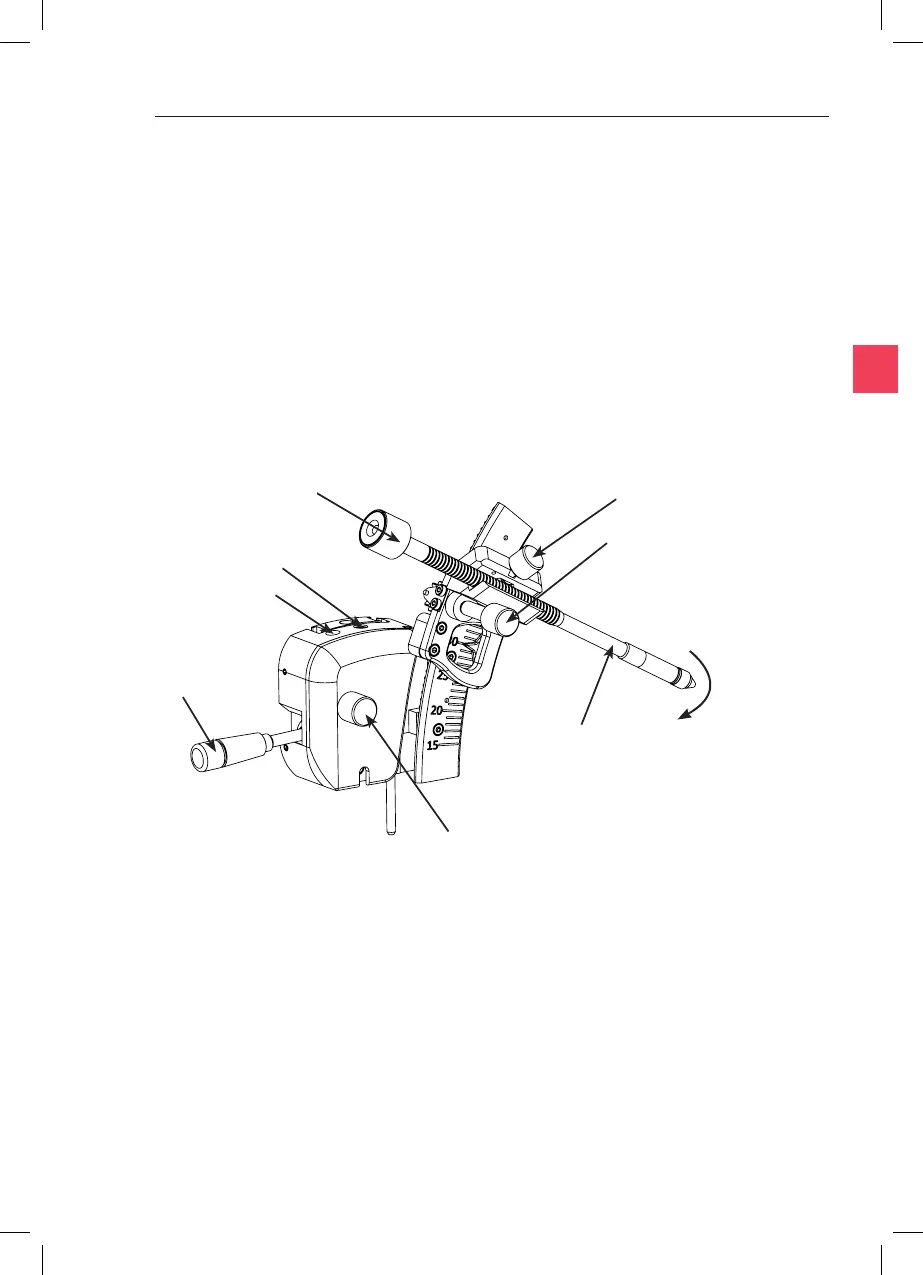
Pipee
Angle Control
Raised Posion
Adjustment
Pipee Rotator
Set-up
Lever
Raise the Set-up Lever located on the side of the toolholder and rotate
the PL3 towards the front if desired. Place the narrow secon of the MPH
into the slot in the toolholder, then push inwards.
Figure 5-8
Lowered Posion
Adjustment
Centring
Control
Axial Drive
Rotate
toward
front
Micropipee
Holder (MPH)
Do not place any force on the baseplate as this will aect the focus.
1. Move the Fine Control (red) and Coarse Control (blue striped) Levers
to a vercal posion. Rotate the Fine Control Lever to the centre of
the movement as indicated on the display (page 30). If the Height
Indicators have not previously been calibrated this must be done
rst as detailed on page 30.



 To Next Page