EasyManua.ls Logo

Research Instruments INTEGRA 3 - Temperature Control

Default Icon
76 pages
Print Icon
To Next Page IconTo Next Page
To Previous Page IconTo Previous Page
Loading...
Secon 6
Integra 3™ Electronic Control System
28
Research Instruments Ltd
6
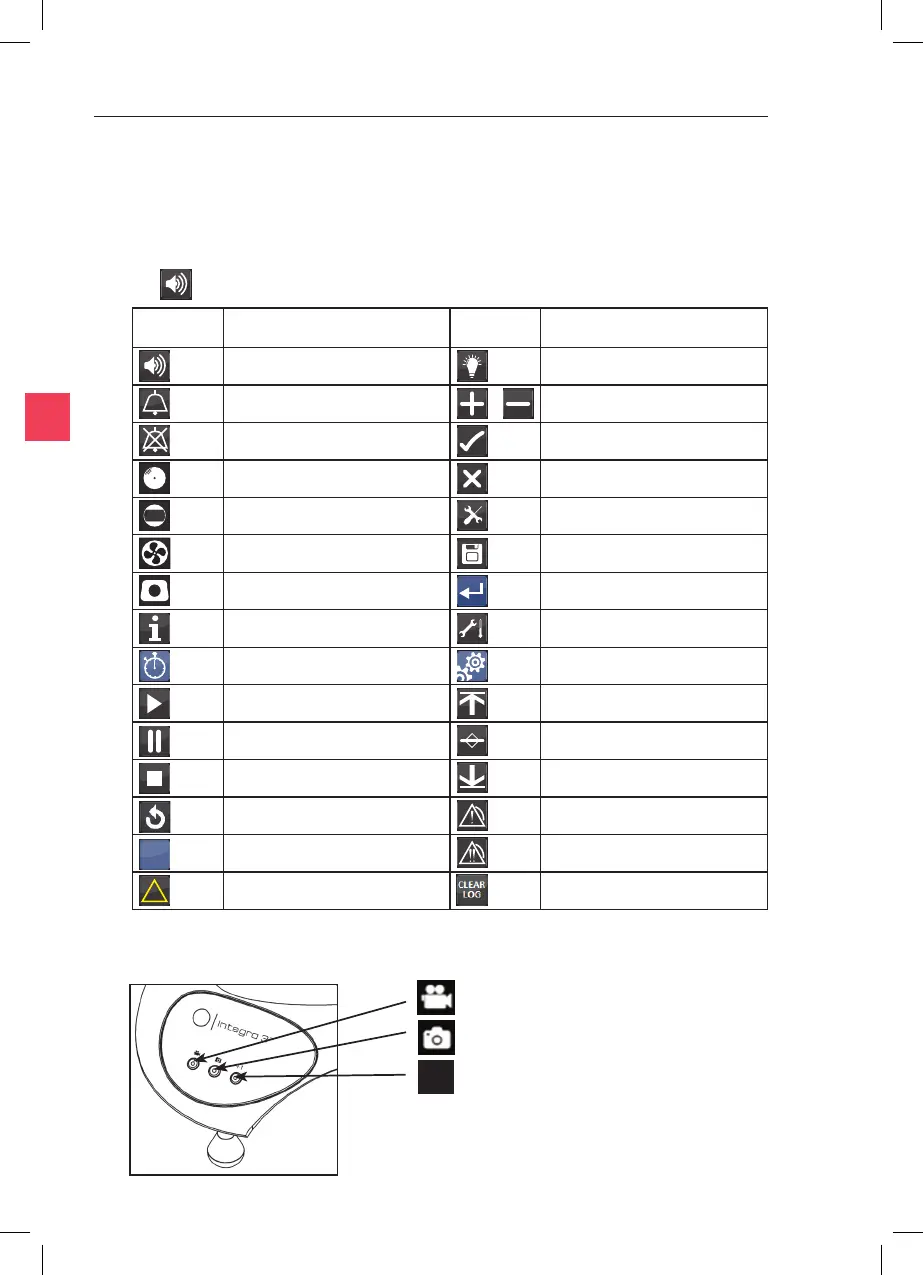
Start Video Recording**
Capture Sll Image**
Increment Counter

**Requires RI Viewer or RI Witness Soware
(oponal), see the User Manual supplied with
your soware.
Figure 6-1
+1

The following table explains the meaning of all the user interface icons
required to use and adjust the Integra 3 sengs and features. The icons are
referred to throughout this manual by their ‘Meaning’ in typeface.
eg is referred to as the  icon.
   
 
 
 
 
 
 
 
 
 
 
 
 
 
 
 
+1
?
* Please note that the Service Menu should only be accessed by service personnel.

Table of Contents