Secon 6
Integra 3™ Electronic Control System
Research Instruments Ltd
6
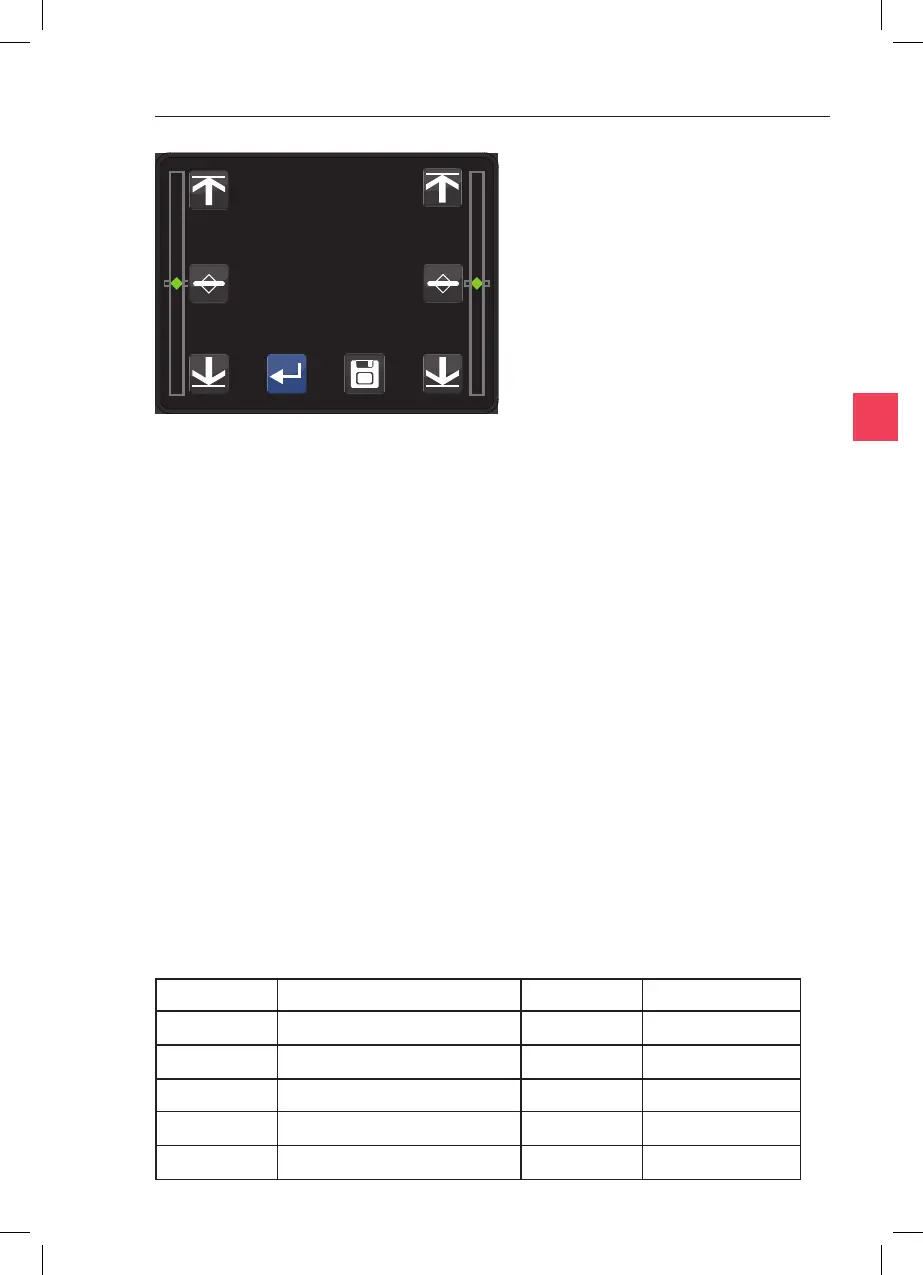
For each side in turn, rotate the Fine Control Lever fully to the boom
of the range of movement. Touch the icon. Rotate
the Fine Control to the top of the range of movement and touch the Set
. Next rotate the Fine Control Lever 11 complete
turns downwards. It may help to put a pencil mark or small piece of
tape on the lever to count the turns. Now touch the
icon. Touch the icon to save the calibraon, then the icon to
return to the main screen. If the icon is touched without
saving then any changes to the calibraon will not be saved and it will
revert to the previous calibraon.
In order to provide addional informaon in the event of a fault, the
System Informaon screen can be accessed from main screen by
pressing the and then the icon. This screen is for
informaon only and it is not possible to change any values from this
screen. Press the icon to return to the main screen.
The following abbreviaons are used to idenfy parameters given on the
System Informaon screen:
Instantaneous Temperature (°C) Air Flow
Temperature Setpoint (°C) Air Flow Setpoint
Calibraon Value (°C) SN Serial Number
Heang Power (%) Firmware Version
Fan Speed (%) Hardware Version
TDU



 To Next Page