Secon 8
Integra 3™ Alarms and System Status
Research Instruments Ltd
8
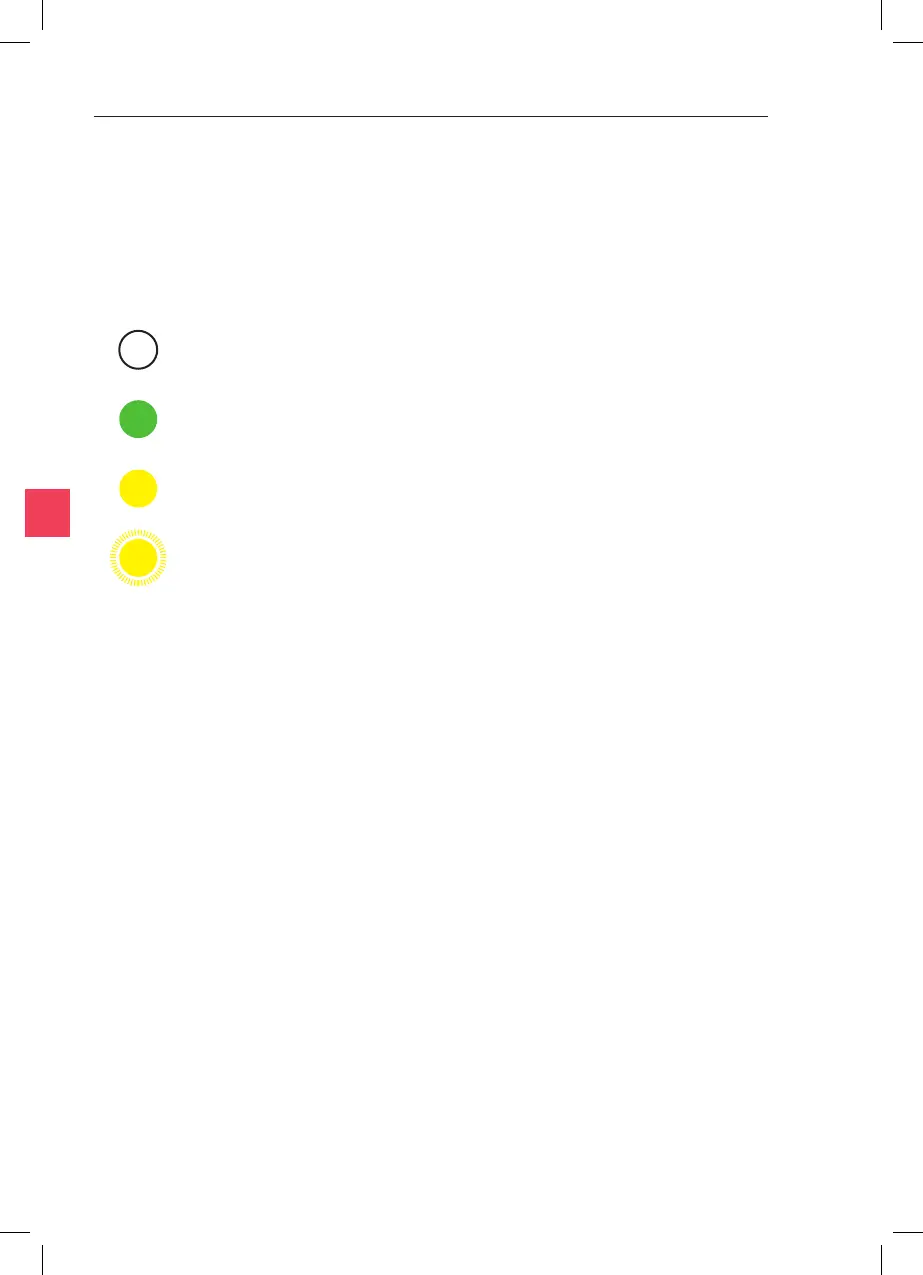
Please wait (Inial power up/setpoint/mode/calibraon
changed) light will be o unl temperature of all heang systems is
within ±0.5°C of setpoint.
Ready for use. Temperature of all heang
systems within ±0.5°C of setpoint.
Low Priority Alarm. Press the
icon shown on the main screen to view specic alarm condions.
Medium Priority Alarm. Press the icon
shown on the main screen to view specic alarm condions.
The status of the temperature control system is shown by the Status
Indicator Light on the le hand side of the Integra 3. Individual
temperatures are shown on the touch screen display.
For a full list of possible faults relang to each alarm condion and
applicability of each alarm condion, refer to the Troubleshoong secon
of this manual.
Once acvated, all alarms are sounded immediately as the alarm
condion occurs.
Audible alarms are sounded to indicate Low and Medium Priority Alarms,
as described above. When an alarm is sounding, the alarm can be muted
by pressing the icon which appears on the display (alarm
audio is automacally un-muted each me a new alarm becomes acve).
When mulple alarms are acve, the audio for the highest priority alarm
will be sounded. The alarm volume is not adjustable. Low and medium
priority alarms are sounded at the same level (this is a higher level than
other available indicaons used by the Integra 3).
In addion to the alarms listed above, sounds are emied to indicate
touch screen key presses and that the toolholders are reaching the limits
of their vercal adjustment.
When mulple alarms are acve, the icon and Status Indicator Light for
the highest priority alarm will be shown.



 To Next Page