100
Intera 3.2
Nudge
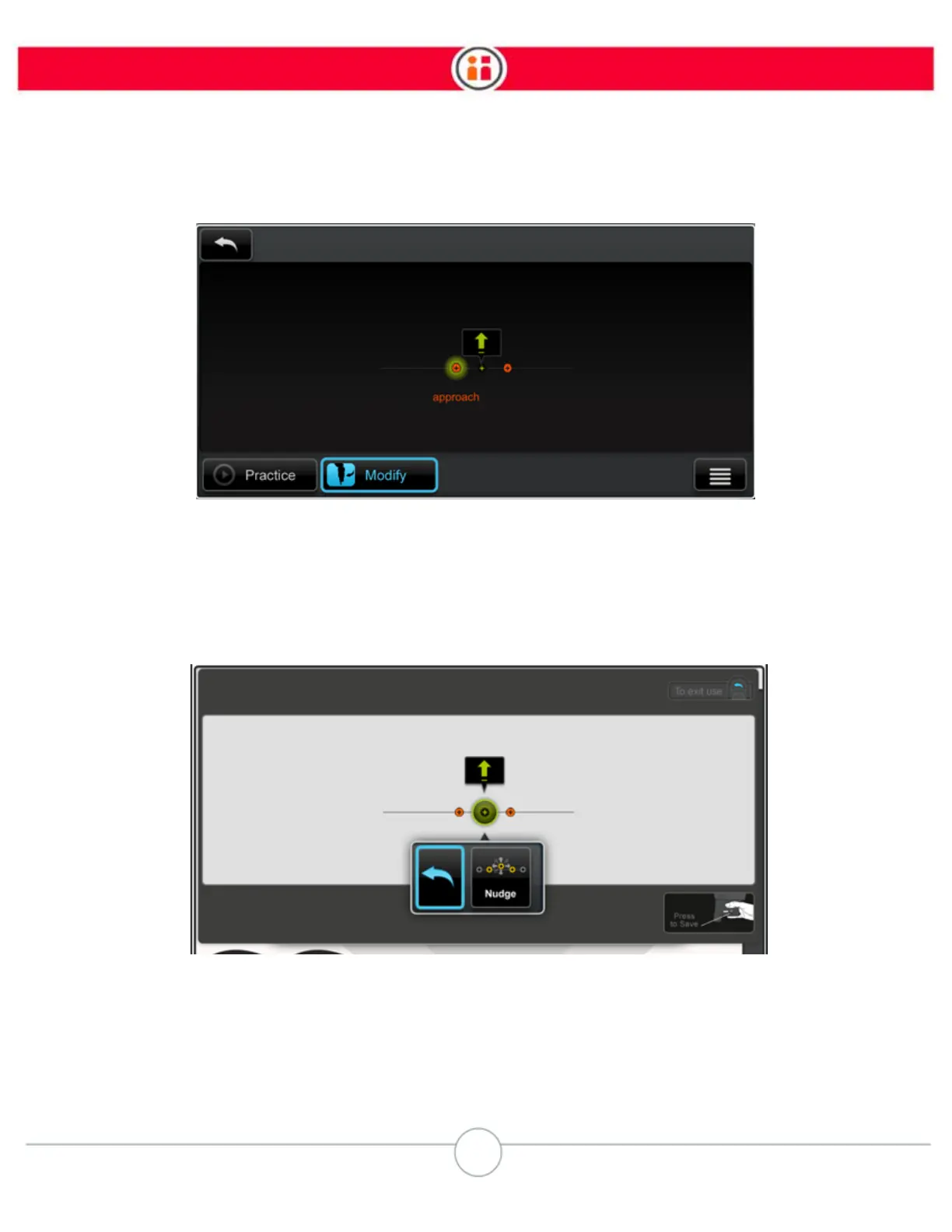
3. Click on the Modify button.
4. Select the specific action whose location you want to change. This can be the
action itself, or its attract or retract point if the action is non-vertical. The Back
and Nudge buttons are displayed.
5. Select Nudge.
Baxter moves its arm to the currently defined pose and displays the options for how the pose can
be nudged.



 To Next Page