28
Intera 3.2
Training and Managing Tasks
Tasks, Sub-tasks, and Actions
Generally, Baxter’s tasks involve Pick actions and Place actions. Each Pick requires a subsequent
Place. (However, this rule of thumb does not apply to a Hold action as a distinct subtask, explained
in the chapter, “Hold” on page 93.)
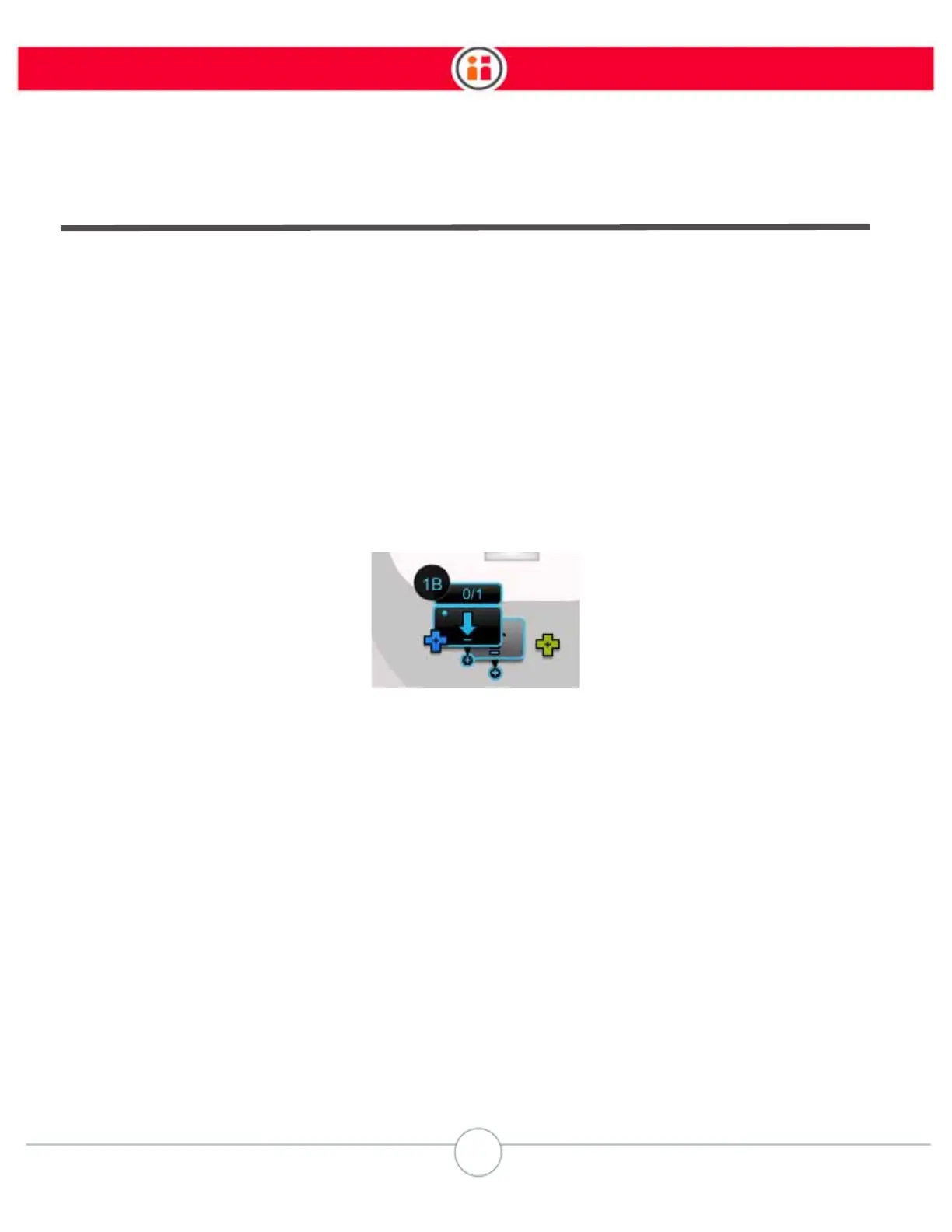
To make it easier to distinguish one action from another, actions are labeled on the Task Map (see
page 29) with the subtask number and appended with a letter. For example, if subtask 1 includes a
Pick>Hold>Hold>Place, the actions on the Task Map will be labeled:
-- Pick 1A
-- Hold 1B
-- Hold 1C
-- Place 1D
Example of a subtask Place action with identifying labels
Each arm functions independently by default and is able to learn its own unique sub-tasks. You can
also train Baxter to coordinate sub-tasks in the same location.
Each action has a location associated with it. You can customize actions by:
• Adding count – Baxter picks or places a fixed number of objects. (For Hold
actions, you can change time instead of count.)
• Adding signals – Baxter sends or waits for a signal before or after performing the
action.
• Changing paths - You can change the way Baxter's arm moves between two
actions.
• Changing the approach and retract distance – Baxter begins and ends the
actions from a specified distance.



 To Next Page