24
Intera 3.2
Getting to Know Baxter
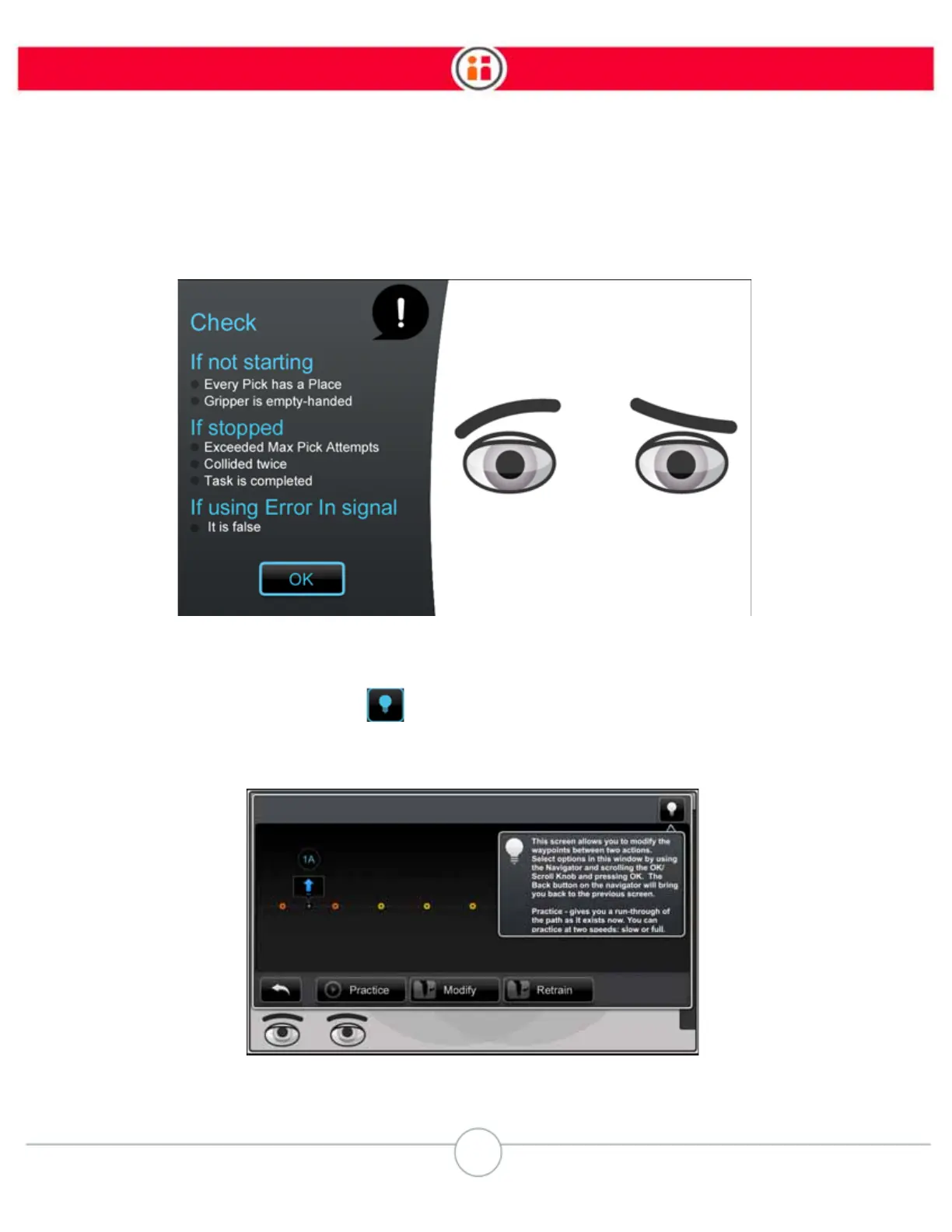
Confused Face Messages
When Baxter becomes confused, the display offers a list of possible explanations and solutions.
“Light Bulb” Tips
When you see a "light bulb" symbol on a screen, that means there is a tip (or tips) on how to use that
functionality. Select the light bulb to display the tip. (These tips are available on the Modify Waypoints Screen,
the Advanced Screen, and the Action Practice screens. )



 To Next Page