7
Intera 3.2
Quick Start
1. Move the Arm
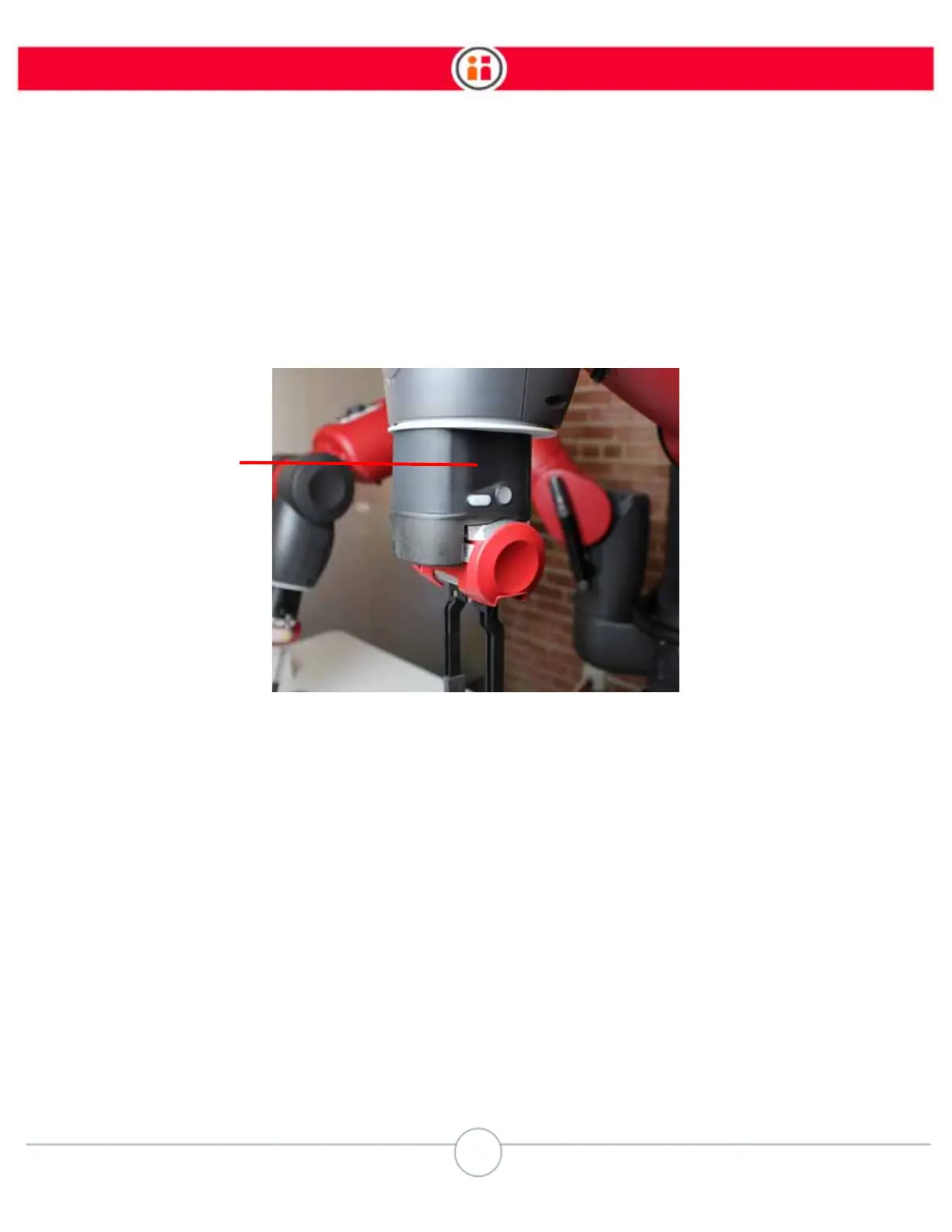
Grab anywhere along Baxter’s arm and push and pull on it slightly to feel its resistance. Now, grab
the indented portion of the
training cuff,
the part between Baxter’s wrist and grippers, and squeeze
it just above the buttons on either side. Baxter is now in “Zero G” mode and you can now move the
arm easily.
Release the training cuff and the arm becomes (semi-) rigid again. Note that the arm stays in the
location and orientation it was in when you stopped squeezing the training cuff. The location and
orientation of the arm (its shoulder, elbow, wrist, and so on) is called its
pose
.
THE NAVIGATOR
On both of Baxter’s arms, and on either side of Baxter’s torso, is the Navigator, a set of buttons and
a knob you use to make selections on Baxter. The selections you make on the Navigator are shown
on Baxter’s display.
Training Cuff
(squeeze here)



 To Next Page