94
Intera 3.2
Hold
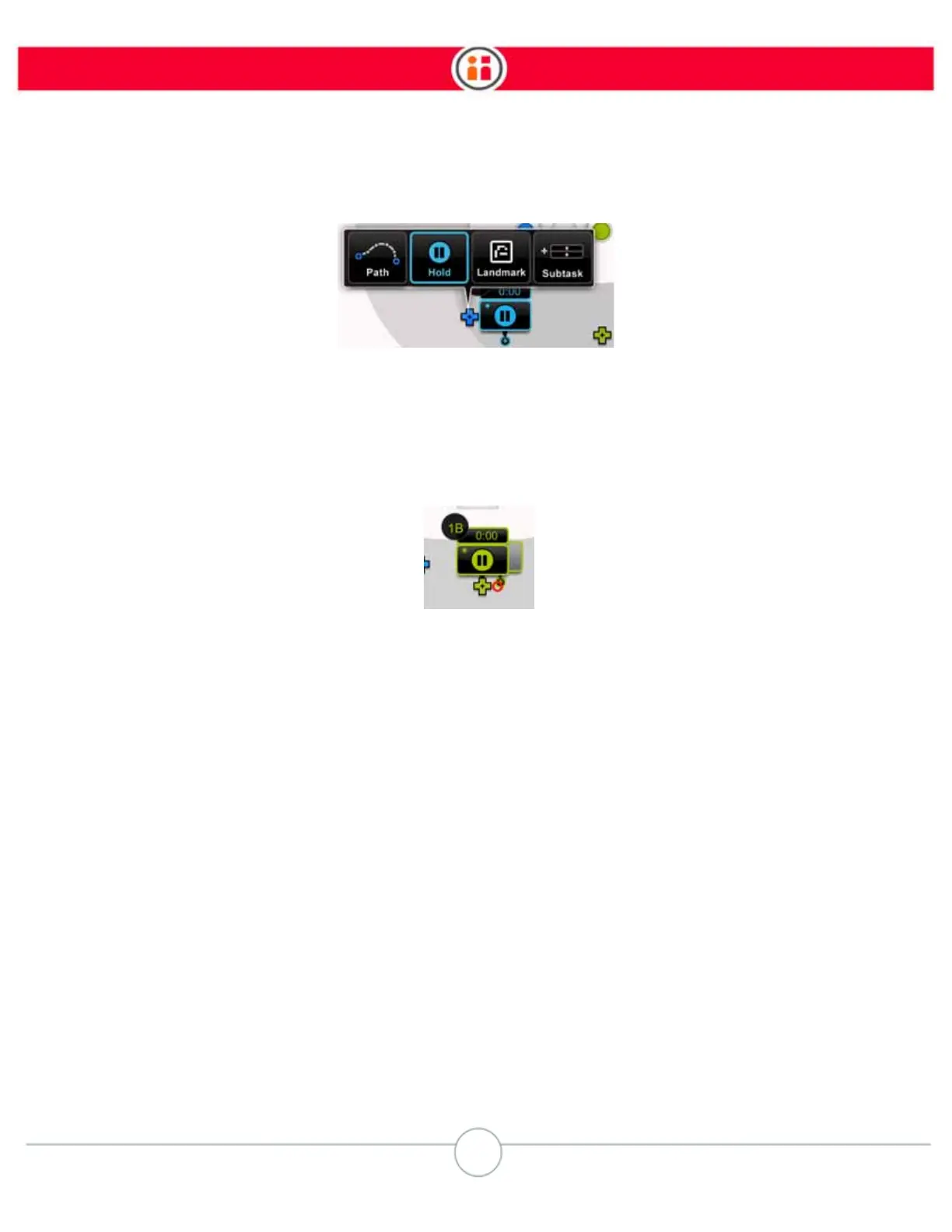
5. Select Hold and press OK.
Baxter creates a Hold action and displays a Hold icon on the Task Map. (As with other actions,
Holds display their numbers, which are based on the subtask.)
Note that the Hold icon has a time feature indicator associated with it. The default Hold time is zero
seconds.
How to Modify a Hold
You can modify the characteristics of a Hold action the same way you do a Pick or Place: from the
modify panel or the task order screen.
To change the duration of a Hold:
1. Select the Hold icon on the Task Map and press OK on the Navigator to display
the Modify screen for the Hold action.



 To Next Page