132
Intera 3.2
Signals
Creating Signals
To set up signals, first attach and configure the device (see “Appendix C: Configuring External
Devices” on page 151), then, create a signal and store it in the signal gallery:
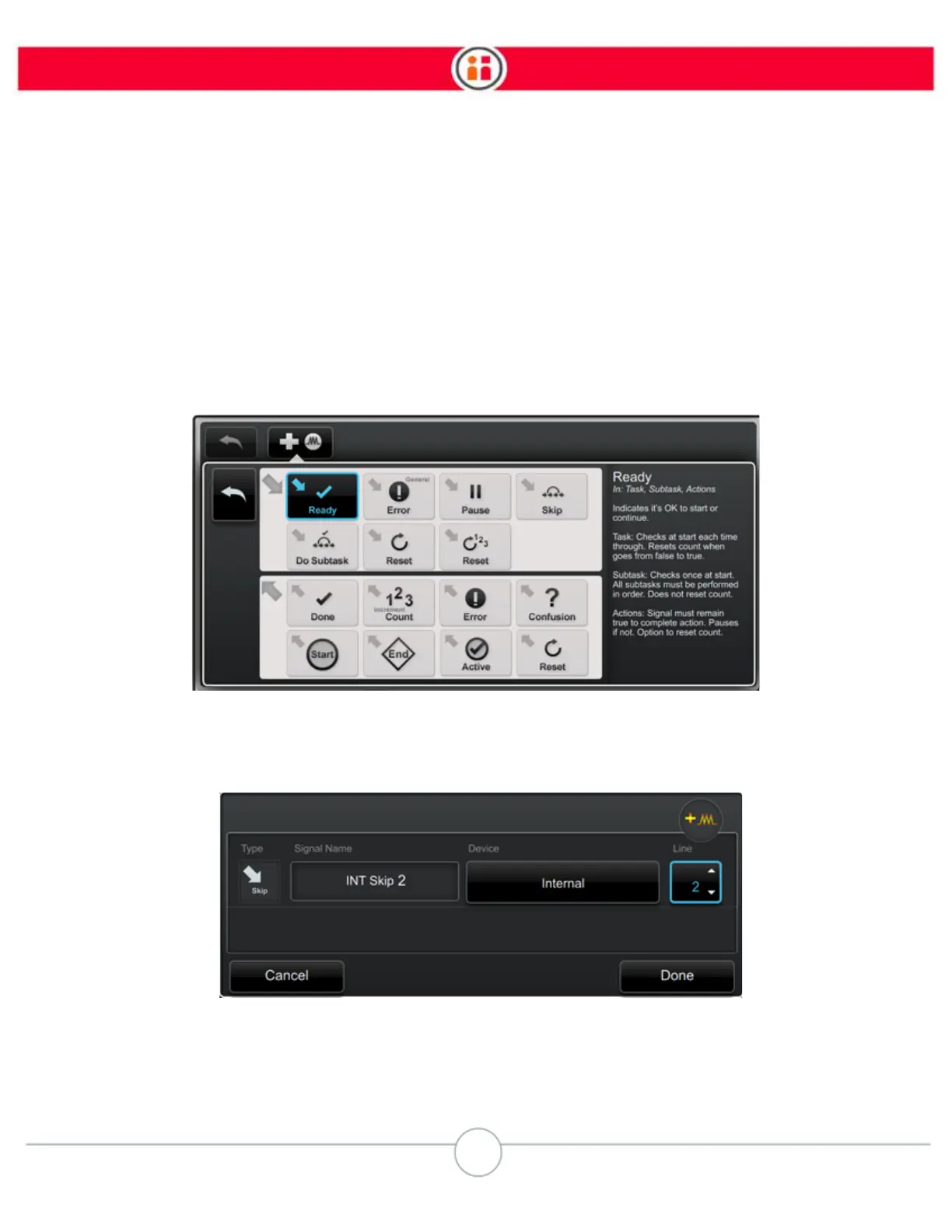
1. In the task gallery, click the create signal icon.
2. In the add signal screen click the type of signal. “In” signal icons feature a right-
and-down pointing arrow (first and second rows, below); “out” signals all have a
left-and-up pointing arrow (third and fourth rows).
In the configure signal screen, change the name if it is not clear to your team;
then reference the correct device, and the line number.
3. When complete, click Done. You can later return to modify any of these details.



 To Next Page