17
Intera 3.2
Getting to Know Baxter
How to Interact with Baxter
Using the Training Cuffs
Use the
training cuffs
to move the arms, to manipulate the state of the grippers, and secondarily, to
select on-screen options.
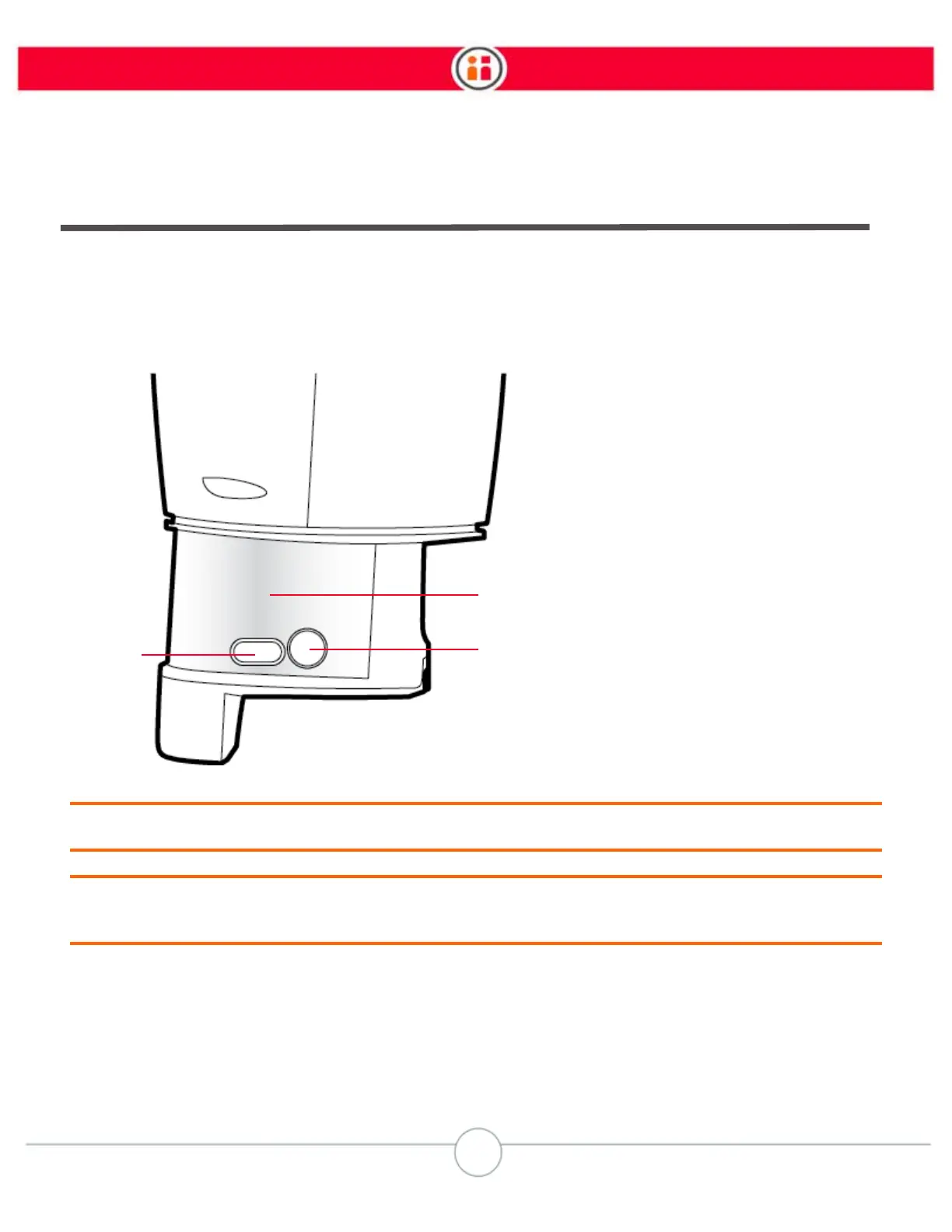
Training cuff switch: Squeeze this switch at the indentation in the cuff to move the robot’s arm. When this
switch is squeezed, the blue indicator on the arm’s navigator button lights up.
Grasp button: Press to toggle a parallel gripper open or closed, or a vacuum gripper on or off.
Action button: Press to select items on the display screen. Create waypoints, Hold actions; select, copy,
or move actions on the task map; create a new subtask; add/create landmarks; outline a visual search
area.
1
3
2
1. Training cuff switch
2. Grasp button
3. Action button



 To Next Page