117
Intera 3.2
Robot Positioning System
That displays the Create a Landmark screen, as seen previously.
4. Save the landmark as before, using the navigator button on the torso or other
arm.
How to Associate a Landmark to an Action
1. Select the action on the Task Map.
2. Select .
3. Select .
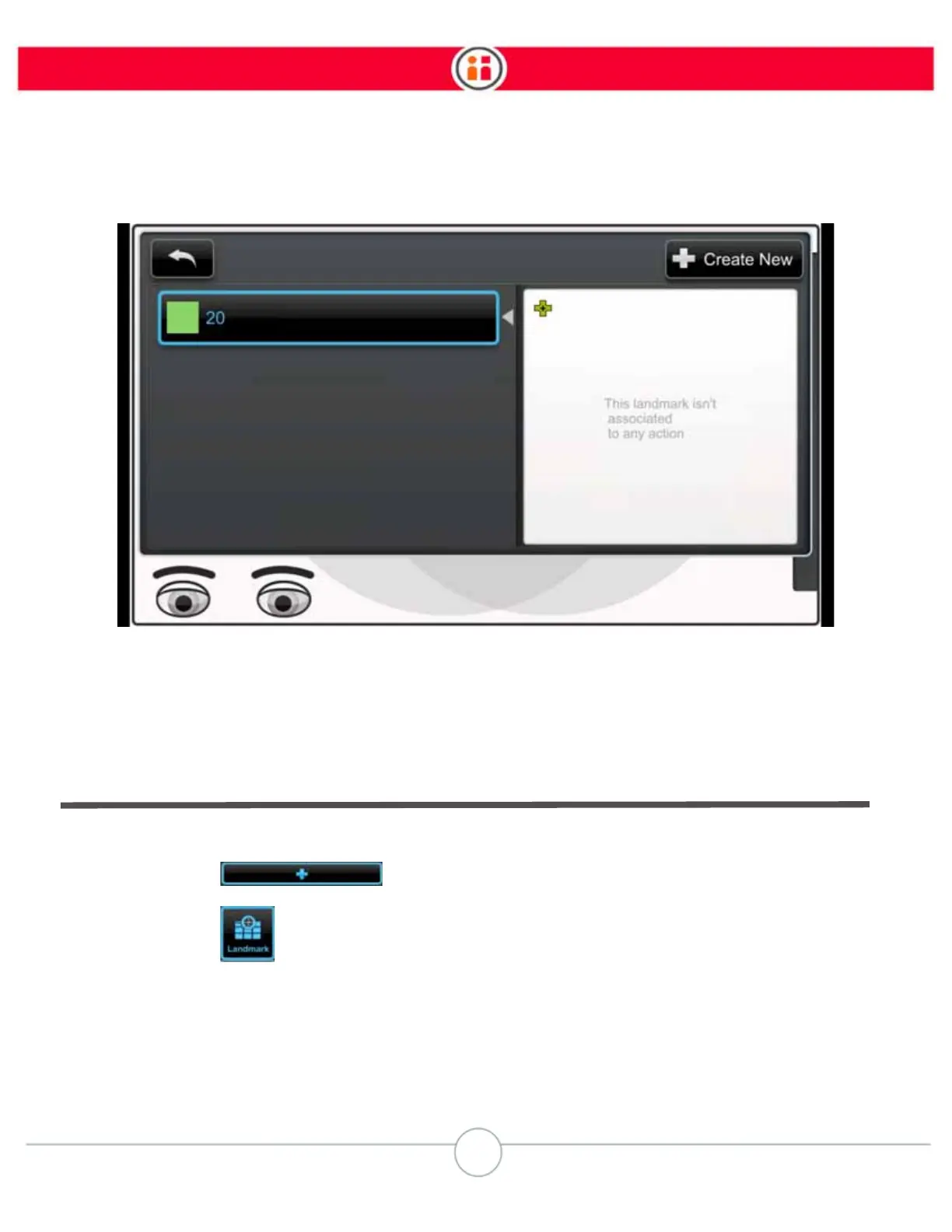
The Associate Action to Landmark screen displays.



 To Next Page