65
Intera 3.2
Training and Managing Tasks
6. To complete your definition of the search area, return to the
first point you taught
and double-click the action button. The revised search area is now attached to
the Pick.
Note:
If you fail to return to the original point you taught, the area will be drawn as a
triangle, which is probably not what you want.
The smaller the search area you define, the faster Baxter is likely to perform the task.
Modifying a Place Action
You will want to modify a Place:
• To change a Place location.
• To place a specific number of objects (count).
• To adjust the drop height.
• To switch from a drop to a place, or to change the drop height.
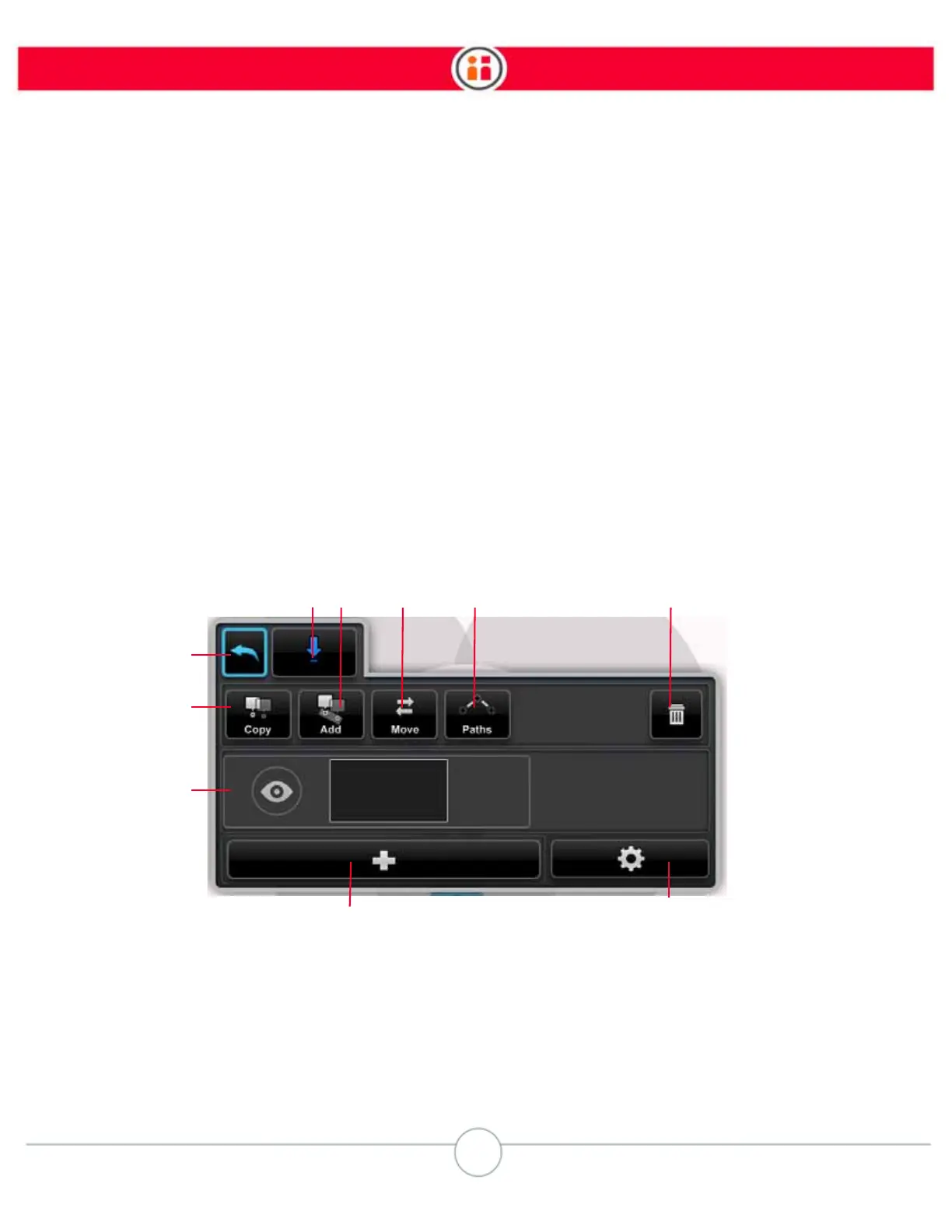
1. Back – Close the modify screen and return to the task map.
2. Arm and action – Indicates the arm being modified (color-coded blue or green)
and the action. In this example, it’s a place being performed by the right arm.
3. Copy – Copy the current action (and all its modified details).



 To Next Page