96
Intera 3.2
Hold
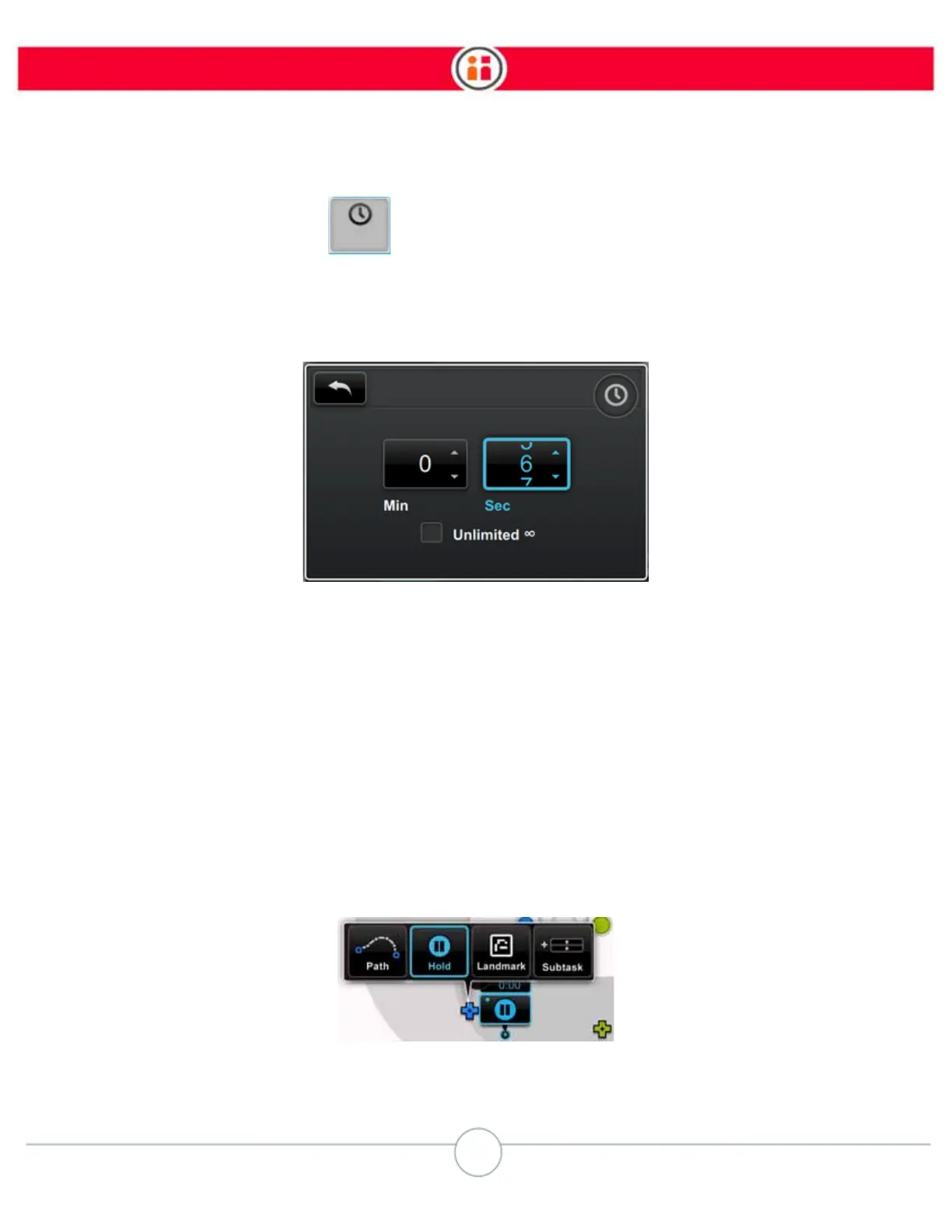
3. Select the Time icon to display the Time panel.
4. Select the spin box then scroll through to change time for the Hold or check the
Unlimited checkbox for a hold of unlimited duration, for example, if you want
Baxter to hold its pose until it receives a signal.
5. Press the Back button to complete.
The Unlimited Hold capability gives you greater flexibility when working with tasks that require sig-
nals to move on from a Hold.
Note:
As of Intera 3.2, Baxter no longer displays a confused look if a ready signal is
assigned to a Hold.
How to Create a Series of Hold Subtasks
1. Create a new task.
2. Pose the arm in the location where you wish to pose the Hold.
3. Click the action button.



 To Next Page