97
Intera 3.2
Hold
4. Select Hold from the submenu.
5. Create a series of Holds along a path you define using the action button and
selecting Hold from the submenu for each pose.
6. Create durations for the holds as needed.
7. To easily define the end of a subtask and create a new subtask, select +Subtask
on the action bar.
Baxter displays a checkmark at the top left of the Task Map to confirm.
8. Press the Back button to complete.
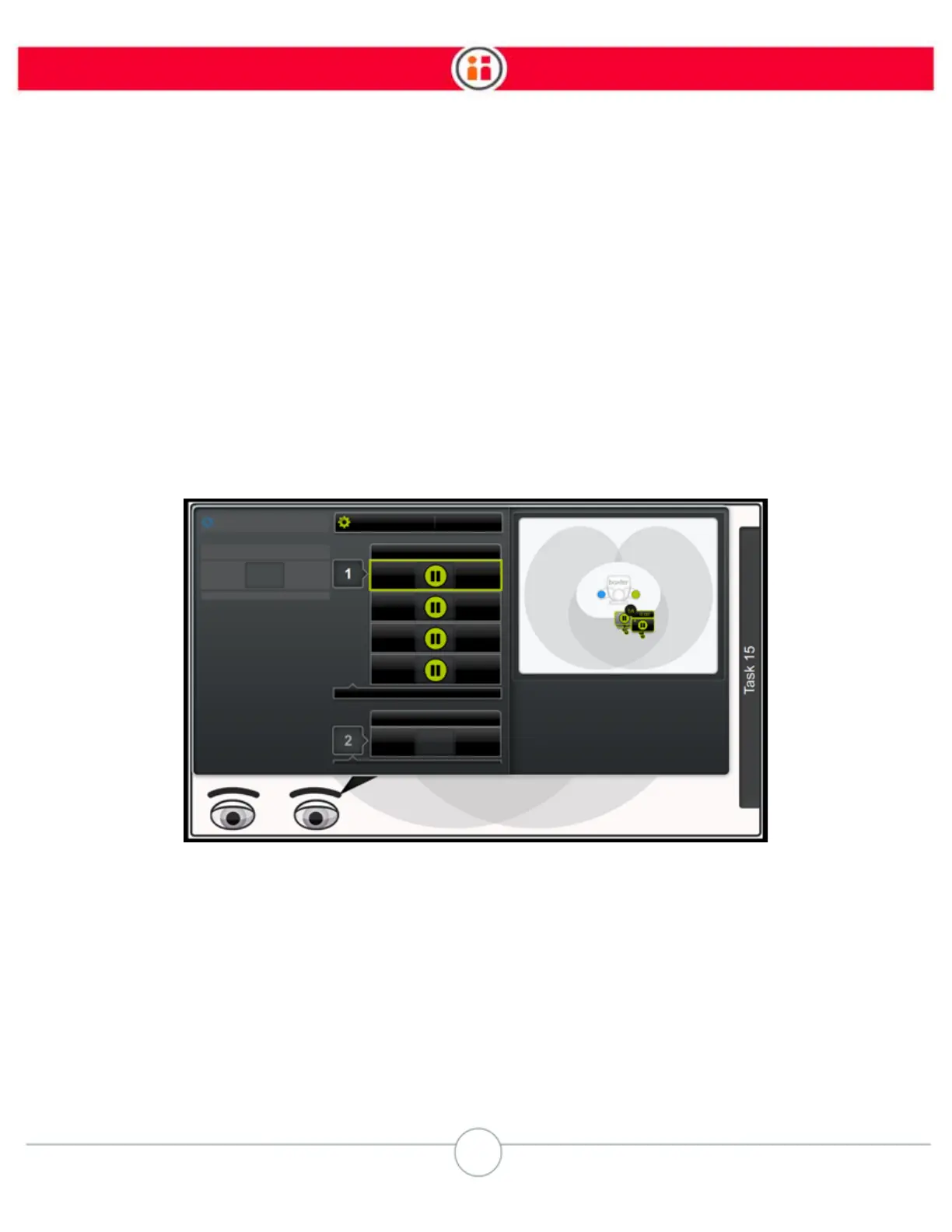
The Task Order screen with a series of holds might look like this:
Note:
You can re-order a hold into a new subtask.
Baxter treats hold-only tasks as if there is no object in hand, so you cannot specify a weight for a
part. If Baxter's arm is holding a part that has some weight to it, the movement and performance of
the arm can be unsteady.
NOTE: The +Subtask feature is not just for Hold subtasks. You can use it any time you want to start
a new subtask.



 To Next Page