153
Intera 3.2
Connecting a Modbus Remote Terminal Unit (RTU) to Baxter
1. Set the IP address of the Modbus device to:
169.254.#.#
where # is any number between and including 1 to 254, and the subnet mask is
255.255.0.0. (Please refer to the RTU manufacturer’s instructions for assigning
the IP address.)
Note:
With Baxter 1.1 software, Rethink Robotics qualified the Moxa ioLogik E1212
Remote Terminal Unit.
2. With Baxter shut down and powered off, attach the device to the Ethernet port.
3. Turn on the device.
4. Power Baxter on.
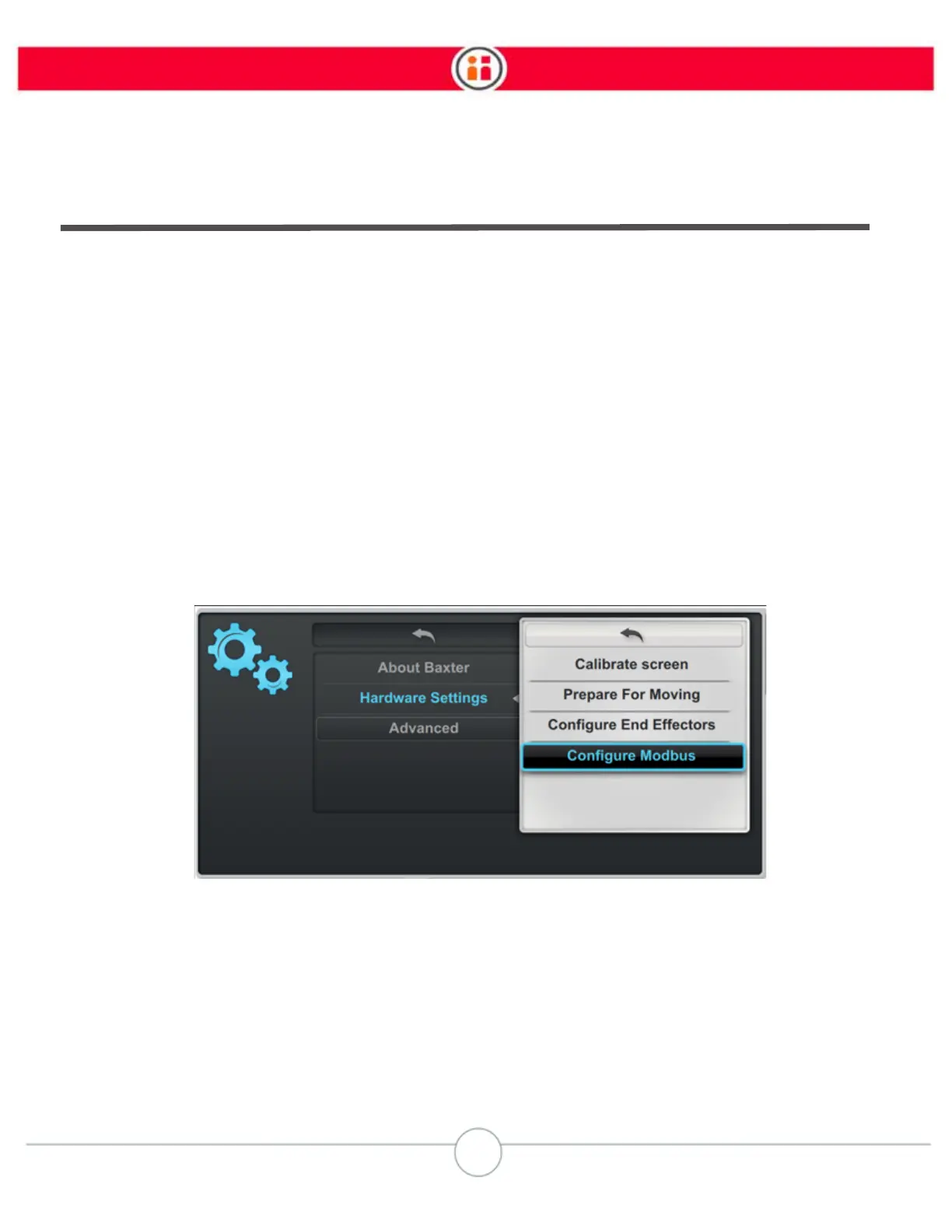
5. Go to Settings > Hardware Settings > Configure Modbus.



 To Next Page