154
Intera 3.2
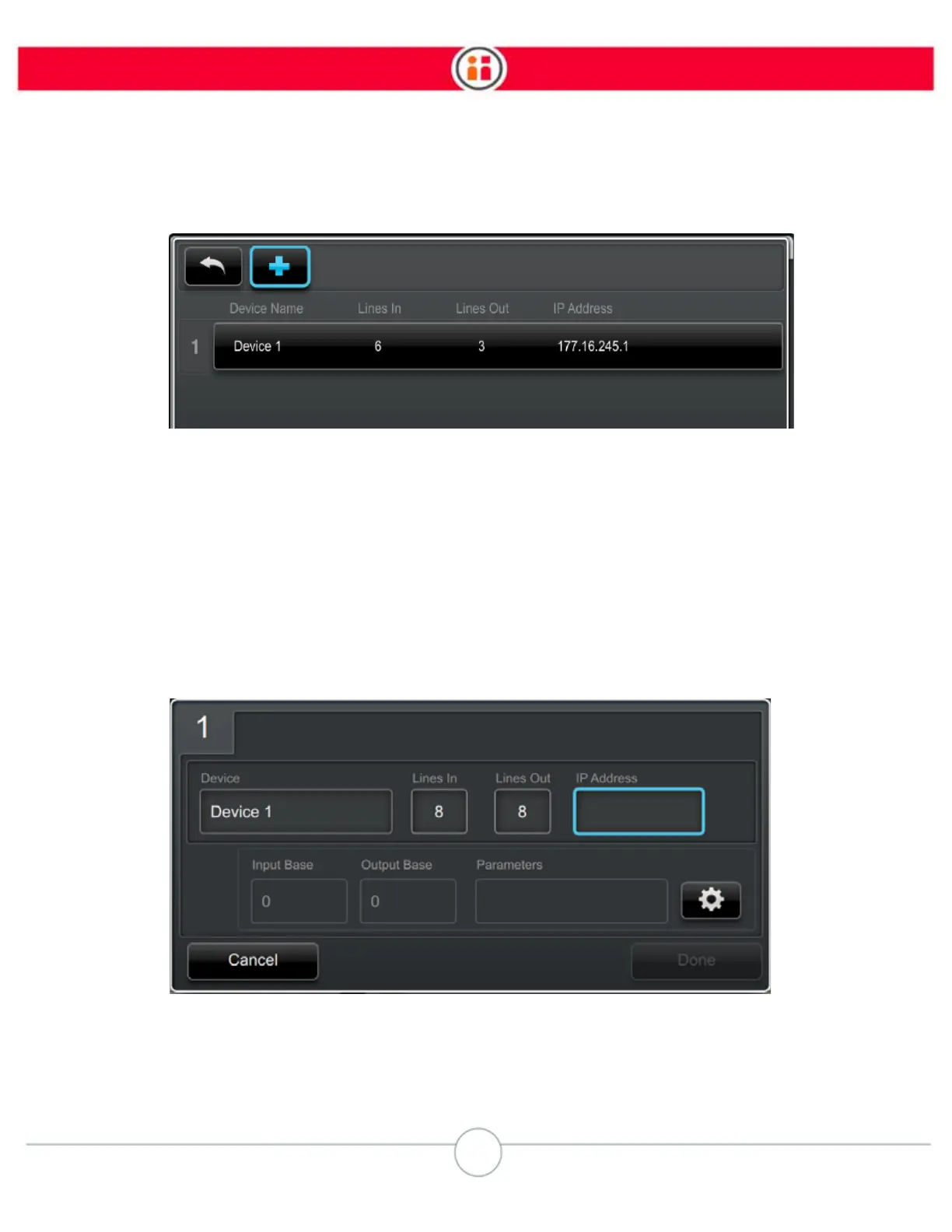
6. In the device list screen, select the + icon to add a device.
7. In the configure new device screen, enter the following:
• Device Name – Keep the default, or enter a descriptive name for the device
(maximum 16 characters).
Tip: Create an easily recognizable name. This makes it easier to identify when creating
and adding signals to a task.
• Number of Lines In and Lines Out
• IP Address
To change the default Input and Output Base of 0, and parameters, select the
Advanced icon.
8. Click Done to save the new device.



 To Next Page