91
Intera 3.2
Create a Path for Baxter
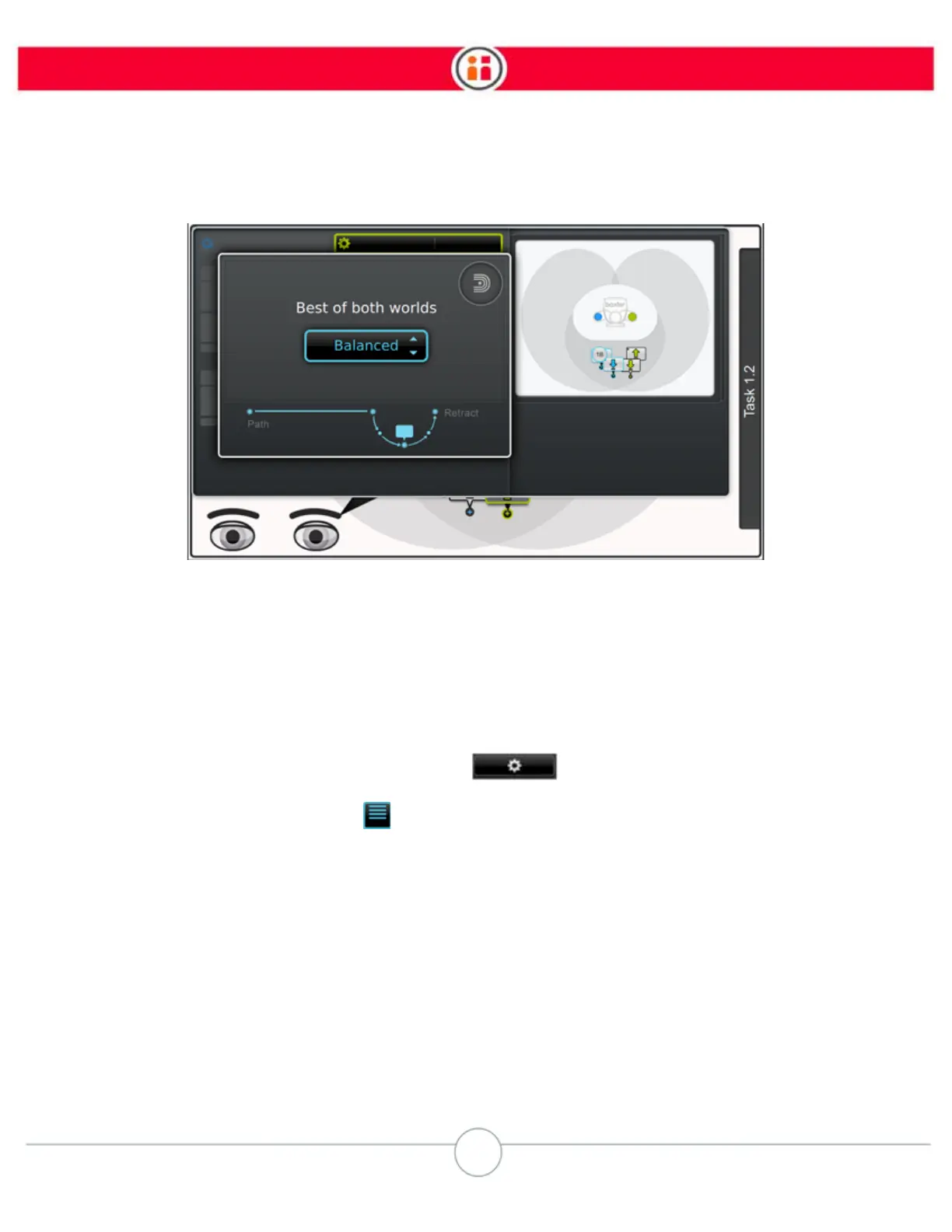
4. Scroll through the motion presets options and select a preset.
5. Press OK.
How to Change the Motion Preset at the Action Level
1. Highlight the pick, place, or hold action on the Task Map and press OK.
2. On the modify action screen, select the icon.
3. Select the Advanced icon on the modify screen to display the advanced
action modification screen.



 To Next Page