92
Intera 3.2
Create a Path for Baxter
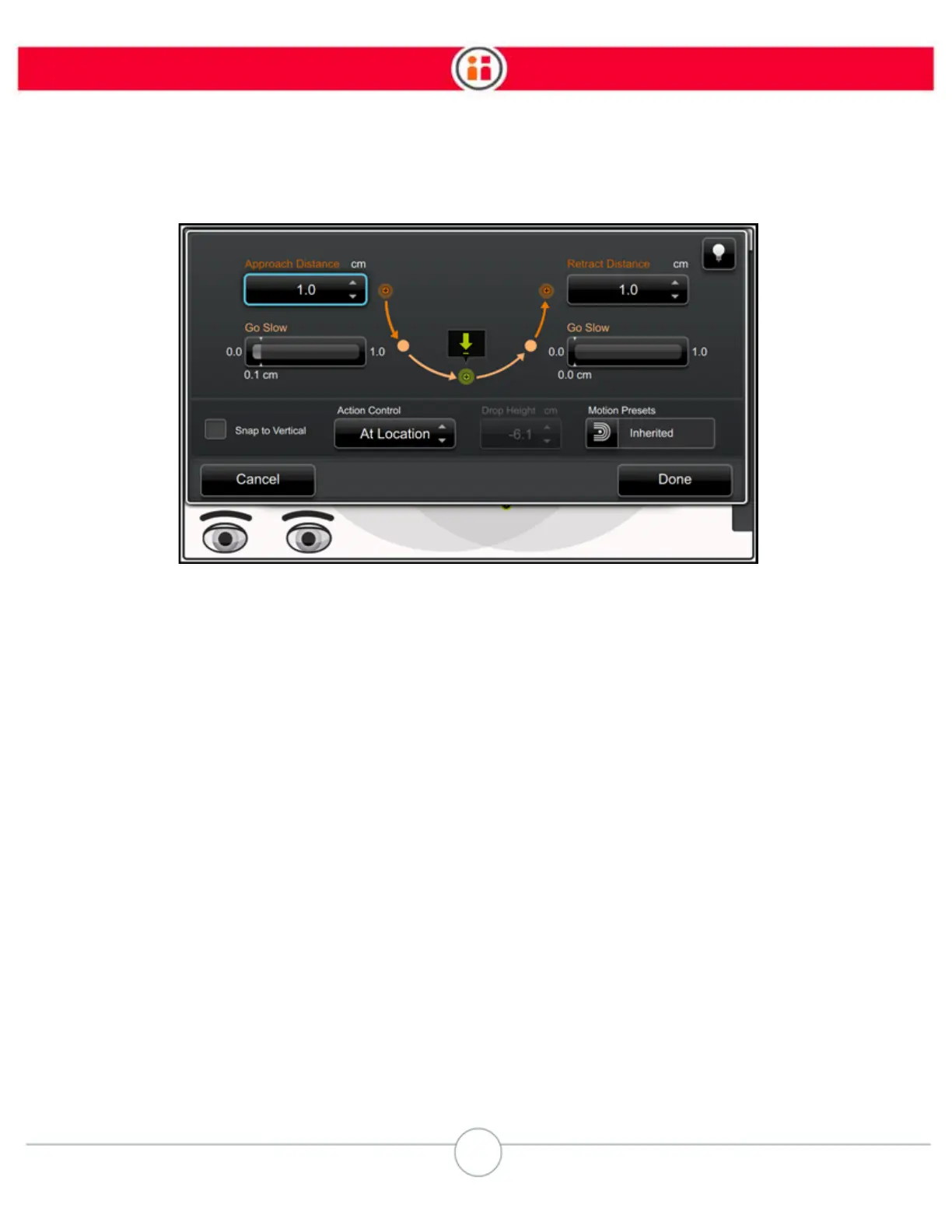
The default setting for the action is "Inherited." That means the setting is the same as, or inherited,
from the task level.
4. Change the motion preset for the individual action by selecting the Motion
Presets icon.
5. Scroll through the options.
6. Press OK to select one of the presets, then press Done to save it.
IMPORTANT NOTE ABOUT MOTION PRESETS
The destination action -- the action to which the arm is moving along the path -- is where you apply
the motion preset. For example, if you need Baxter's arm to move in a controlled, deliberate fashion
from a Hold to a Pick, you would open the advanced screen for the Pick and choose Explicit.



 To Next Page