146
Intera 3.2
Configuring an Electric Parallel Gripper
You configure electric parallel grippers the same as you do vacuum grippers. Just enter the grip-
per’s length and weight. This also applies to custom, third-party grippers.
Using the navigator on the arm with the gripper you want to configure:
1. If not already open, scroll to Main Screen > Settings > Hardware Settings > Con-
figure End Effectors.
2. If you need to install or adjust the gripper, depending on where you are standing,
click Behind or Front. Baxter automatically presents its hand to you, either in
front, or off to the side in back.
Note:
You can also manually move the arm to access the gripper.
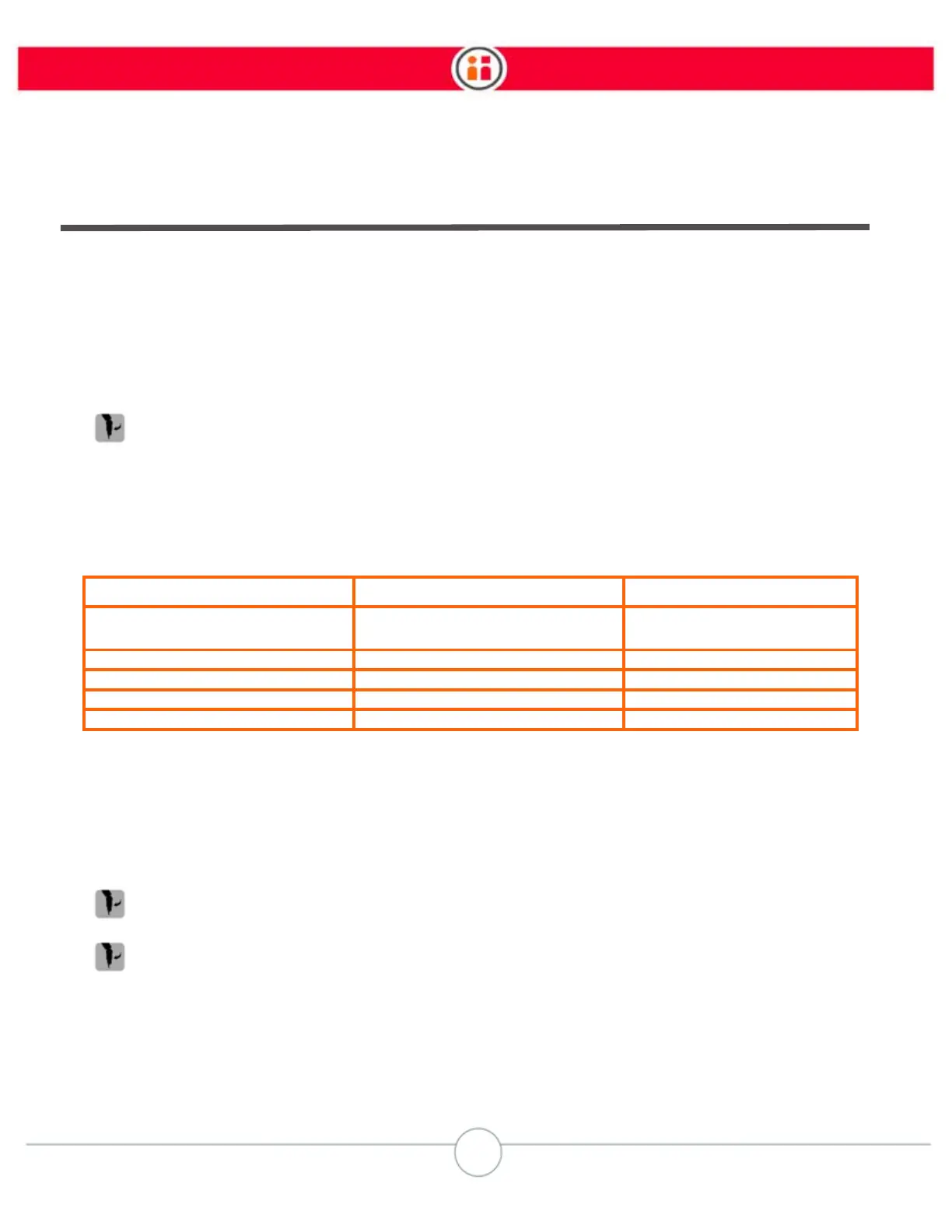
Here are the weights and lengths for each component in the Baxter gripper kits:
3. Select Length, then enter the length of the gripper based on the graphic, which
illustrates where to measure.
4. Click Done, then select the gripper’s Weight icon.
5. Enter the weight of the gripper and click Done.
6. Optionally, click Calibrate before final training. Baxter automatically opens/closes
the gripper to test its grasp dimension.
7. Click Train. The gripper rotates as Baxter learns it.
Component Weight (Kilograms) Length (Millimeters)
Electric Parallel Gripper without
fingers
0.3 Kg 43 mm
Wide Short Finger 0.02 Kg 73 mm
Narrow Short Finger 0.01 Kg 73 mm
Wide Long Finger 0.02 Kg 112 mm
Narrow Long Finger 0.02 Kg 112 mm



 To Next Page