99
Intera 3.2
Nudge
Nudge
The Nudge feature enables you to finely tune the location and orientation of the tip of the end effec-
tors. The benefit: you can define precisely the position, orientation, and angle where a pick, place or
hold action takes place.
You can also use this feature to nudge an action's retract and approach points if the action is non-
vertical. (You cannot nudge a vertical action's approach and retract points.)
How to Nudge a Pose
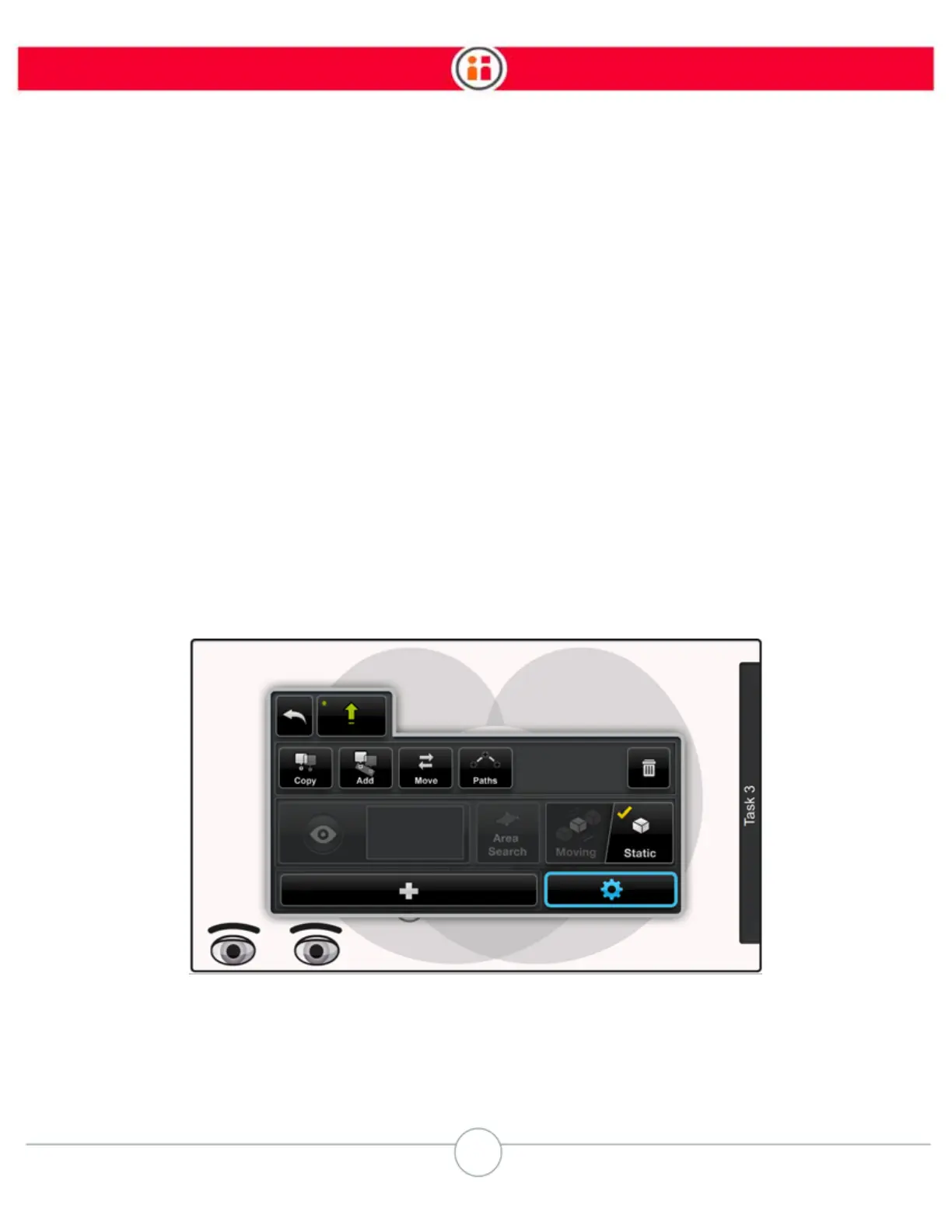
1. Select a pick, place, or hold action on the Task Map.
Baxter displays the action's Modify panel.
2. Select the icon.
The panel is displayed.



 To Next Page