51
Intera 3.2
Training and Managing Tasks
Managing Tasks and Sub-tasks
Use the Task Order Screen to display and change the order of actions that make up a task. You can
also use this screen to manage task settings and add counts or signals to a whole task or part of a
task known as a
sub-task
.
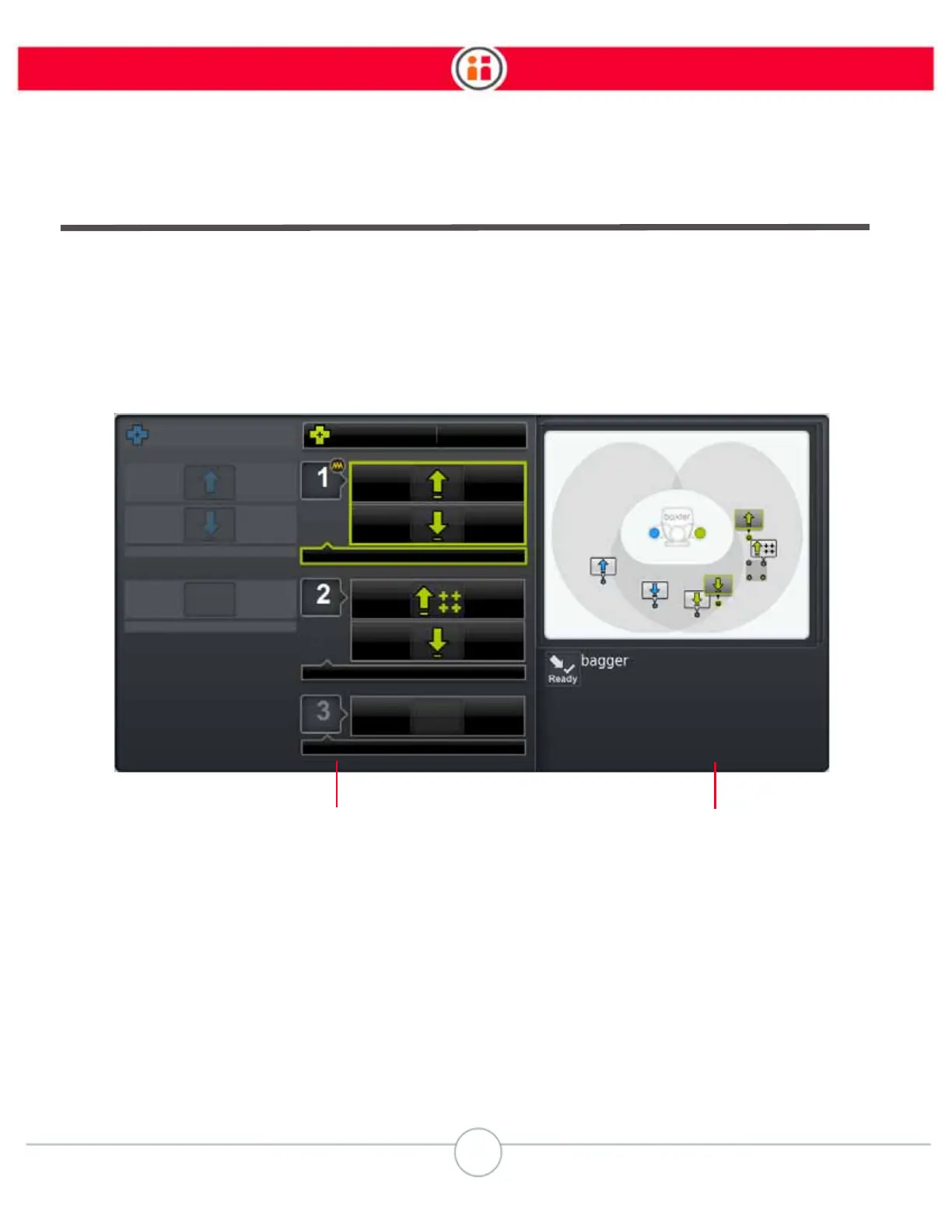
Use the Task Order screen to view the current sub-task order, rearrange and combine sub-tasks,
coordinate sub-tasks across arms, and merge orphan Pick and Place actions into sub-tasks. To
open the Task Order screen, in the task map, press the Rethink button, and click Order.
1. Displays a visual list of all sub-tasks per arm (numbered in order of execution),
and the corresponding Pick and Place actions (including action groups) within
each sub-task.
2. Displays the task map for the selected task, and below it, any signals that
correspond to the entire task or sub-task. (In this example, you can see a ready
signal.)



 To Next Page