54
Intera 3.2
Training and Managing Tasks
Coordinating Sub-tasks Across Arms
Coordinating arms allows Baxter to conduct a sub-task on one arm before conducting a sub-task
on the other arm.
1. Pick the sub-task you want to move relative to the other arm. Press OK.
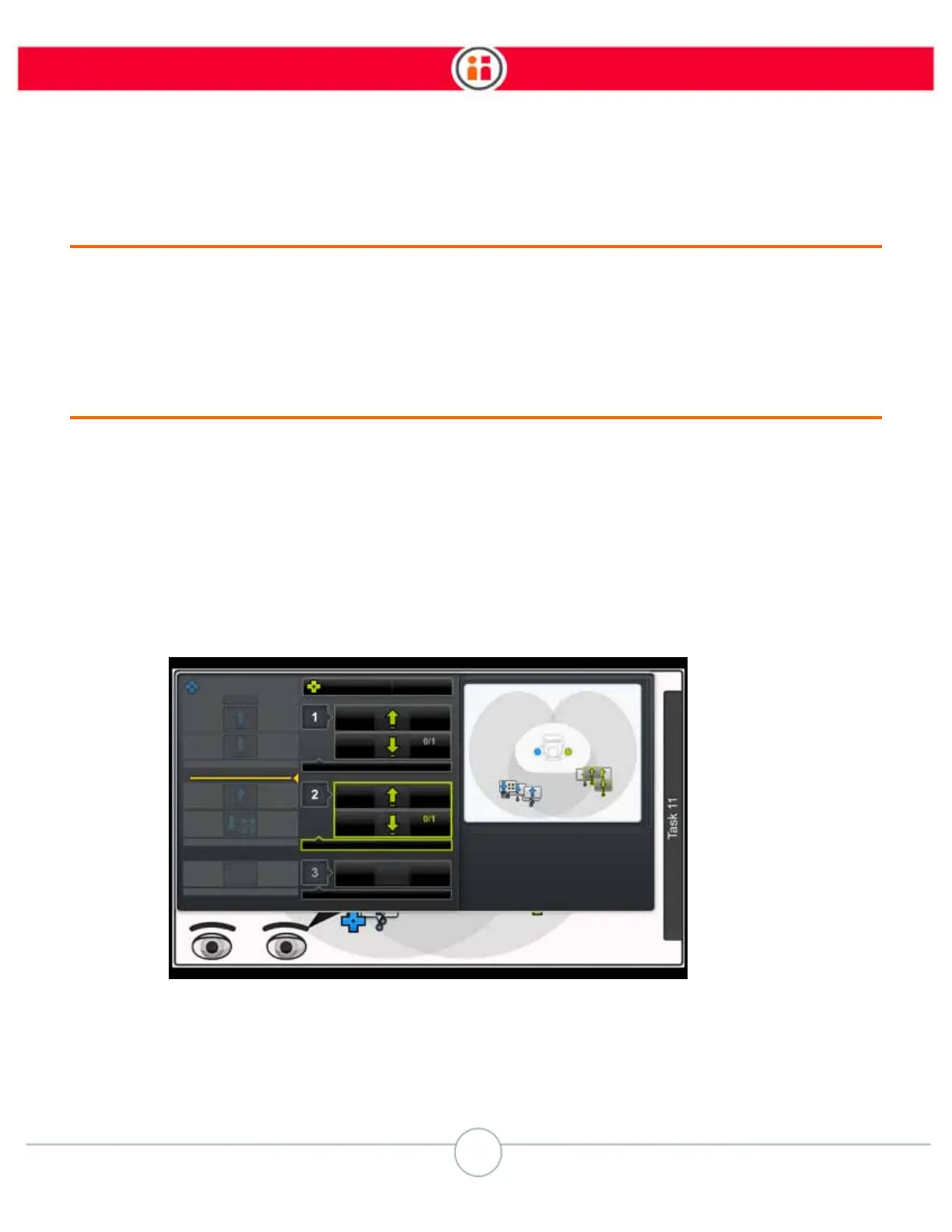
2. Click the coordinate icon in the sub-task order button bar. A yellow line appears
in the list of sub-tasks on the other arm (In this example, the user wants to move
the second sub-task on the left [green] arm.).
To name a sub-task:
1. From the Order screen, highlight the sub-task you want to name and press OK.
2. Select “Rename” from the Sub-task menu.
3. Use the text wheel to create a name for the selected sub-task.
4. Select OK.
You can also modify or delete sub-task names.



 To Next Page