144
Intera 3.2
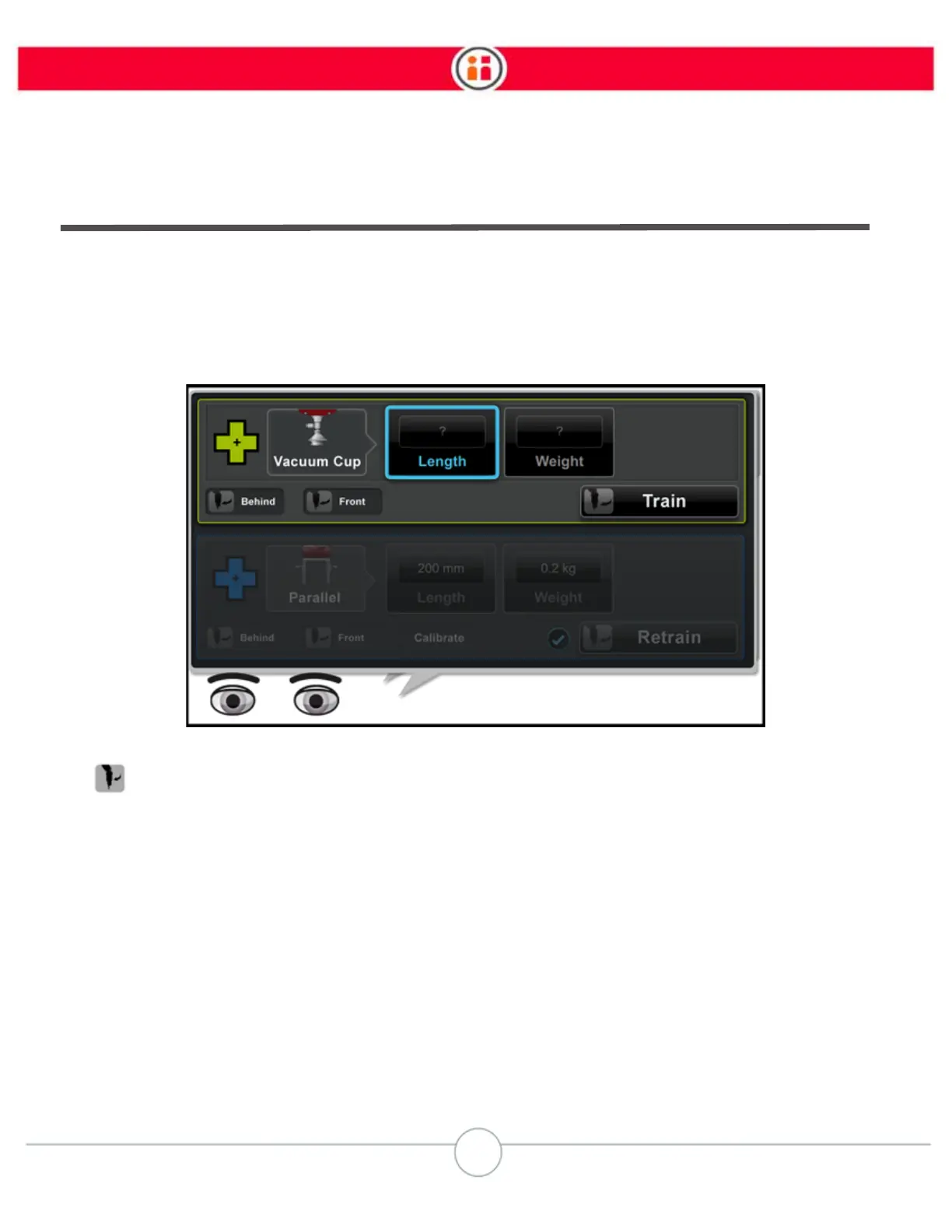
Configuring a Vacuum Cup Gripper
Using the navigator on the arm with the gripper you want to configure:
1. If the gripper is holding an object, release the object.
2. If not already open, scroll to Main Screen > Settings > Hardware Settings >
Configure End Effectors.
3. If you need to install or adjust the gripper, depending on where you are standing,
click Behind or Front. Baxter automatically presents its hand to you, either in
front, or off to the side in back.
Note:
You can also manually reposition the arm to access the gripper.
4. Select Length, then enter the length of the gripper based on the graphic, which
illustrates where to measure.



 To Next Page