133
Intera 3.2
Signals
Assigning Signals
To assign a signal:
1. Select an action, task, or subtask.
2. From its modify screen, select the + button.
3. Select Signal from the submenu.
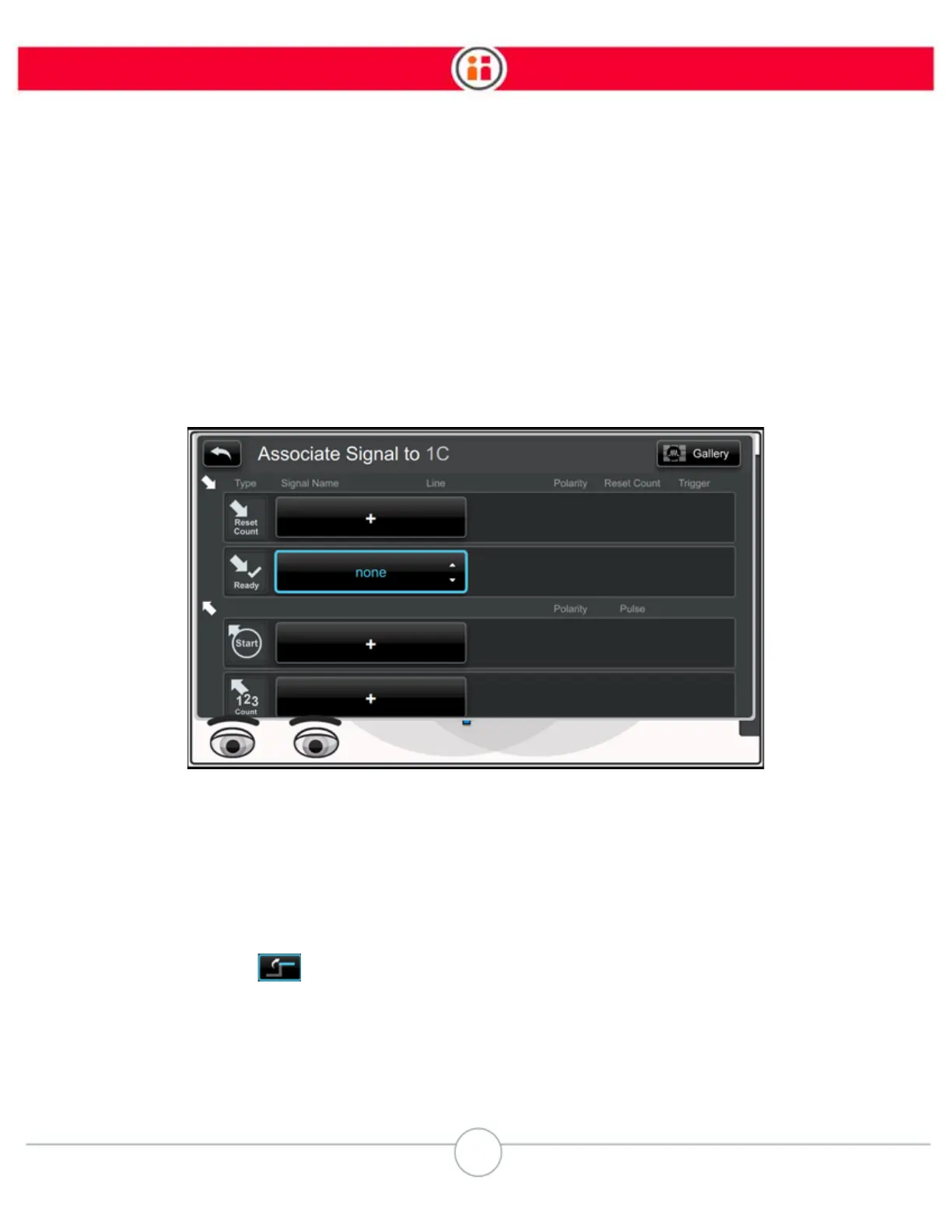
Baxter displays the Associate Signal screen, where you can both define and assign a signal:
4. Select the plus (+) button to define a signal and its attributes.
5. When finished, click the Back icon on the screen.
SIGNALS NOTES
• You can easily invert the signals Baxter sends or receives by clicking on the invert
signal icon in the Polarity column.
• Pulse - For more flexibility when integrating with external devices, you can define
the duration of a pulse for an Out signal. You can set it to as much as 5 seconds
or as little as .5 seconds. The default is 1 second.



 To Next Page