105
Intera 3.2
Nudge
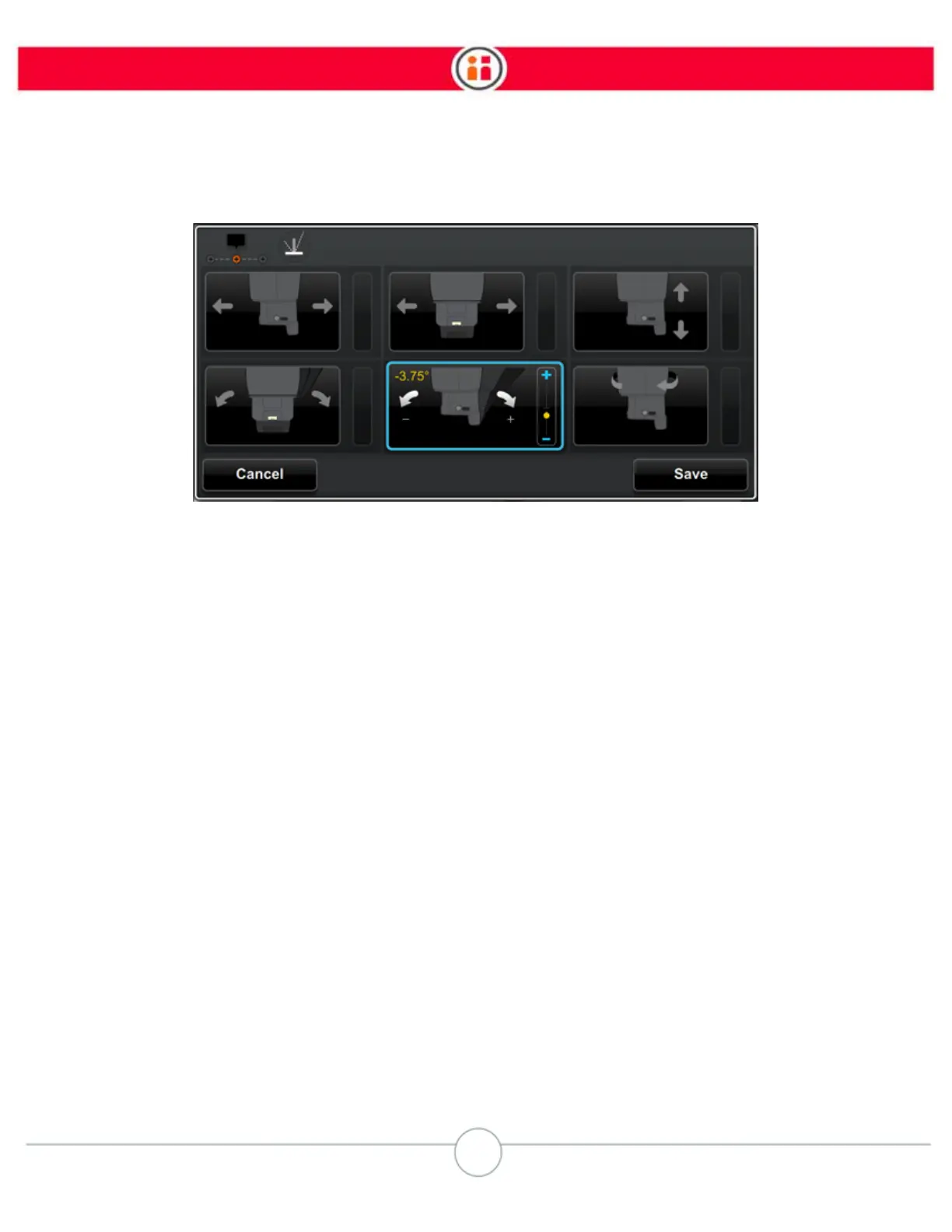
This option will nudge the lower portion of the arm 3.75 degrees
away (along the z axis) from Baxter.
7. To save the new pose, press OK.
Note: You can make multiple nudges to Baxter's arm, both along and around the XYZ axes, by
pressing OK after each Nudge.
8. When done, press the Save button.
NOTES ON NUDGE
• If you are nudging a vertical pose, you cannot nudge the angle of the training
cuff. The first two options in the bottom row are grayed out. This helps ensure the
vertical pose does not change to a non-vertical pose.
• You should move the arm
before
you enter Nudge mode. While in Nudge mode,
you can move the arm by squeezing the training cuff and moving the arm as you
normally would in zero gravity. If you press the Save button after moving the arm,
this becomes the updated pose from which nudges are made.
• Keep in mind that, if you nudge an Action, its Retract and Approach are
not
nudged proportionally. This is true for any Nudge, including Holds with a zero
Approach/Retract distance. So, in the case of the Hold, if you nudge, make sure
you go to the advanced menu and make the Approaches/Retracts zero distance.
• Pressing the Action button after manually moving the arm to a new pose does
NOT save the pose.



 To Next Page