9
Intera 3.2
Quick Start
You can both scroll the knob to move through options on Baxter’s display, or press it to make a
selection. We refer to pressing the scroll knob to make a selection as “pressing the OK button” or
sometimes, “press OK on the Navigator.”
Generally you press the Back button on the Navigator when you want to return to the previous
screen.
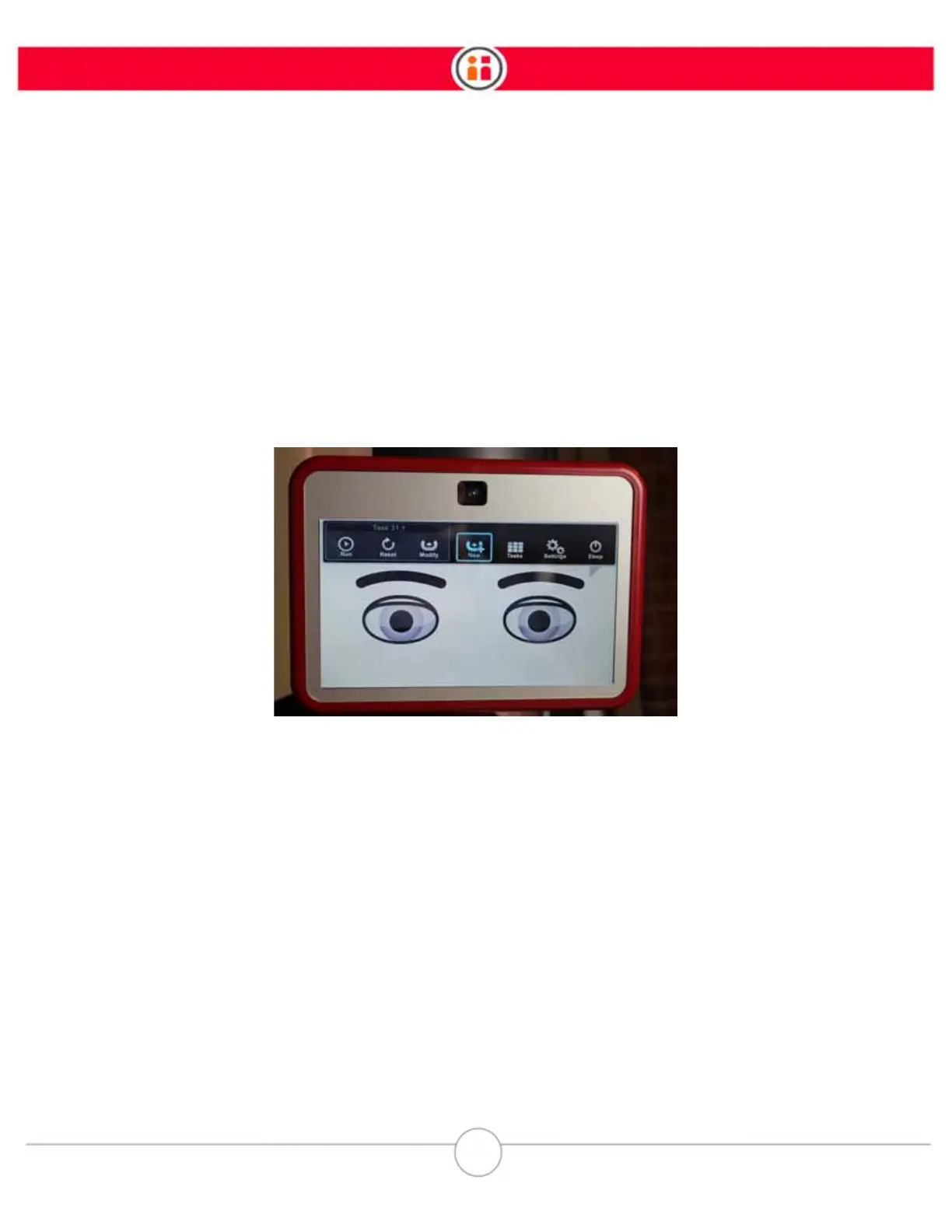
Scroll the knob to reveal the main button bar and stop scrolling when you reach the New Task icon
(as shown here).
Press OK on the Navigator. Baxter displays the
Task Map.



 To Next Page