112
Intera 3.2
Robot Positioning System
2. Position Baxter's arm approximately 20cm above the landmark, with the
landmark centered in the camera's display.
Baxter should recognize the landmark and highlight it with a green outline.
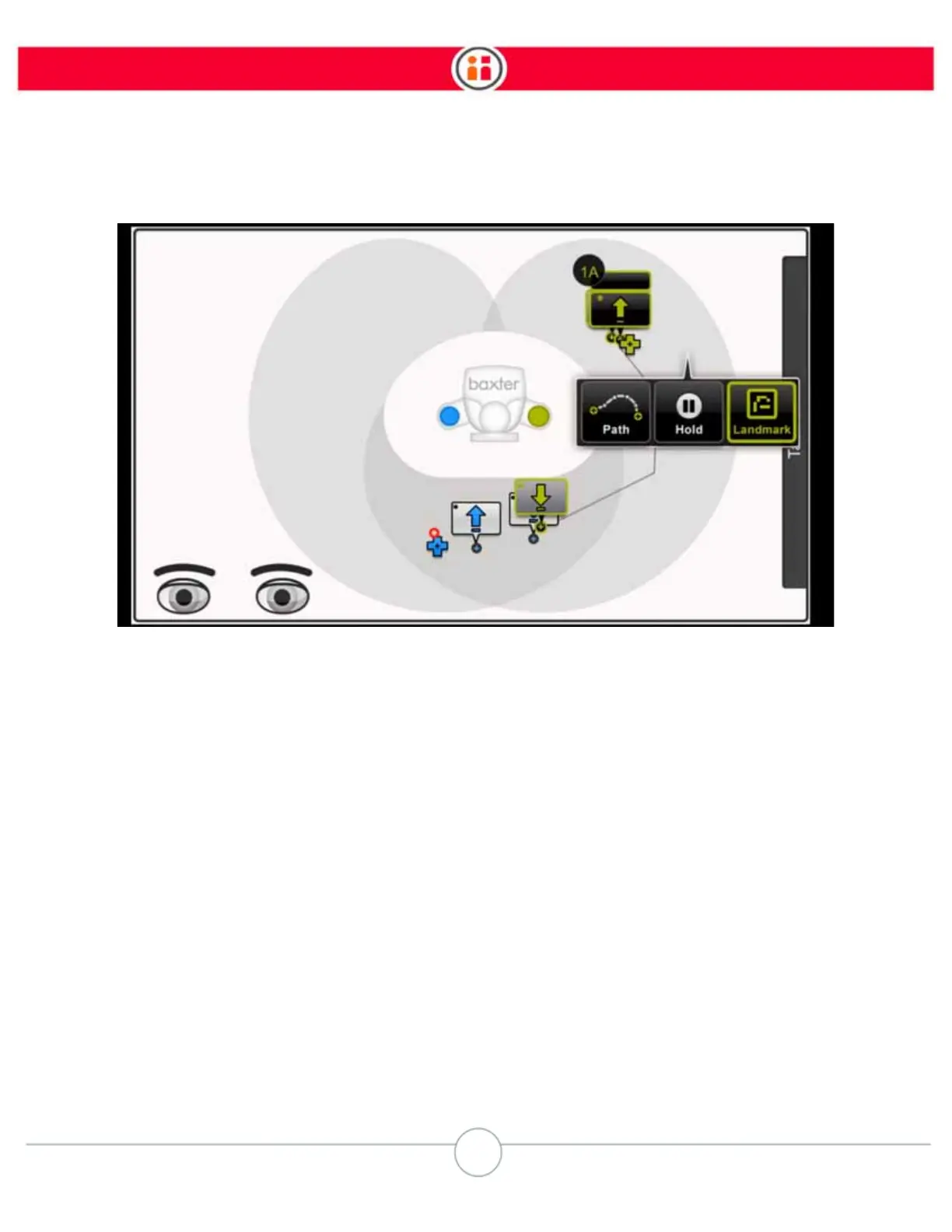
If Baxter cannot locate the landmark, as in the example below, do one of the following:
• make sure the camera is 20cm above the landmark.
• adjust the gain to make the image brighter or darker.
• move the landmark module so that it's closer to the center of the camera's point
of view.
• remove the end effector.



 To Next Page