150
Intera 3.2
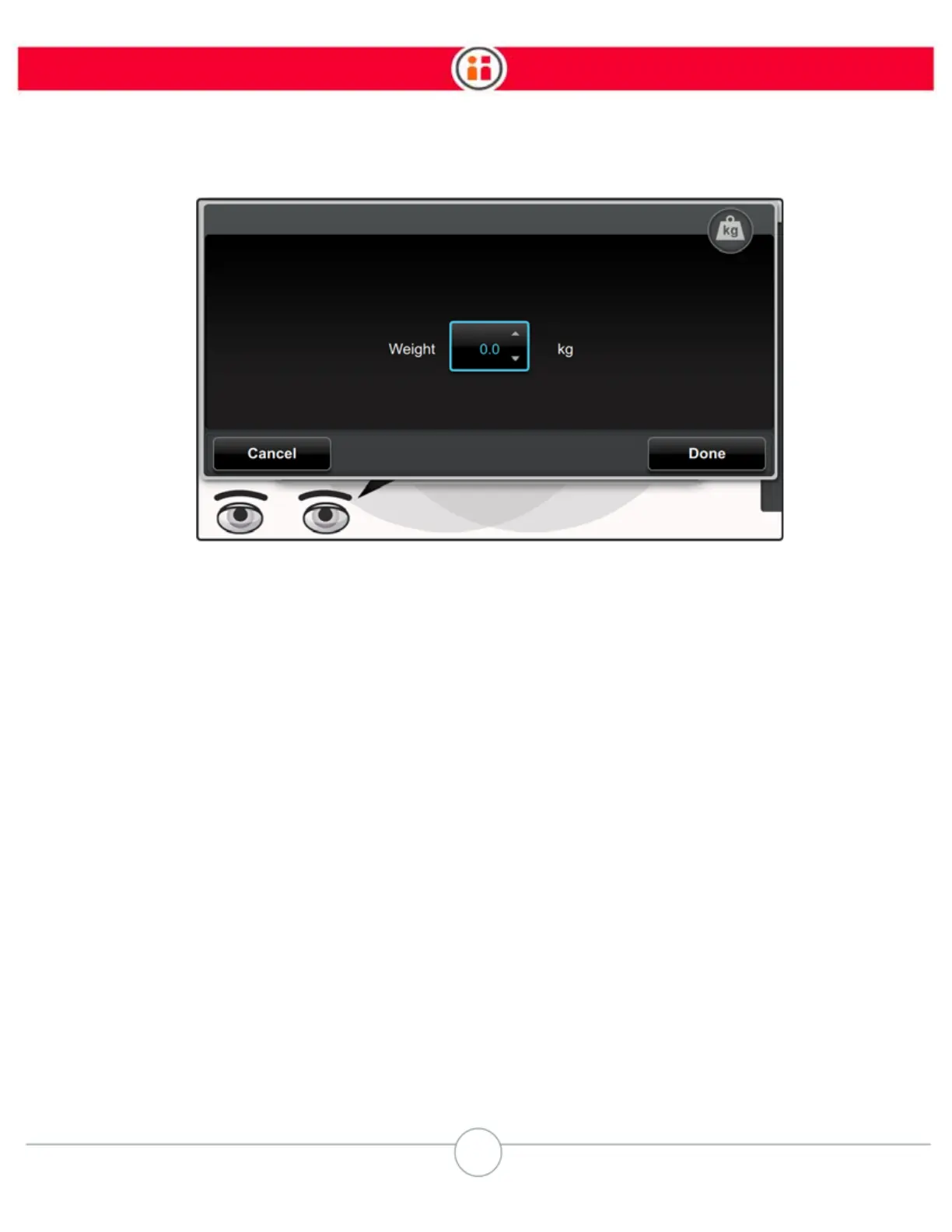
4. Select the spin box, enter the desired weight and press OK.
5. Press Done to confirm the weight.
6. Press the Back button on the Navigator once to return to the Task Modify screen.
The weight appears in the Modify window with its own Added Features button.
7. Press the Back button again to return to the Task Map.



 To Next Page