32
Intera 3.2
Training and Managing Tasks
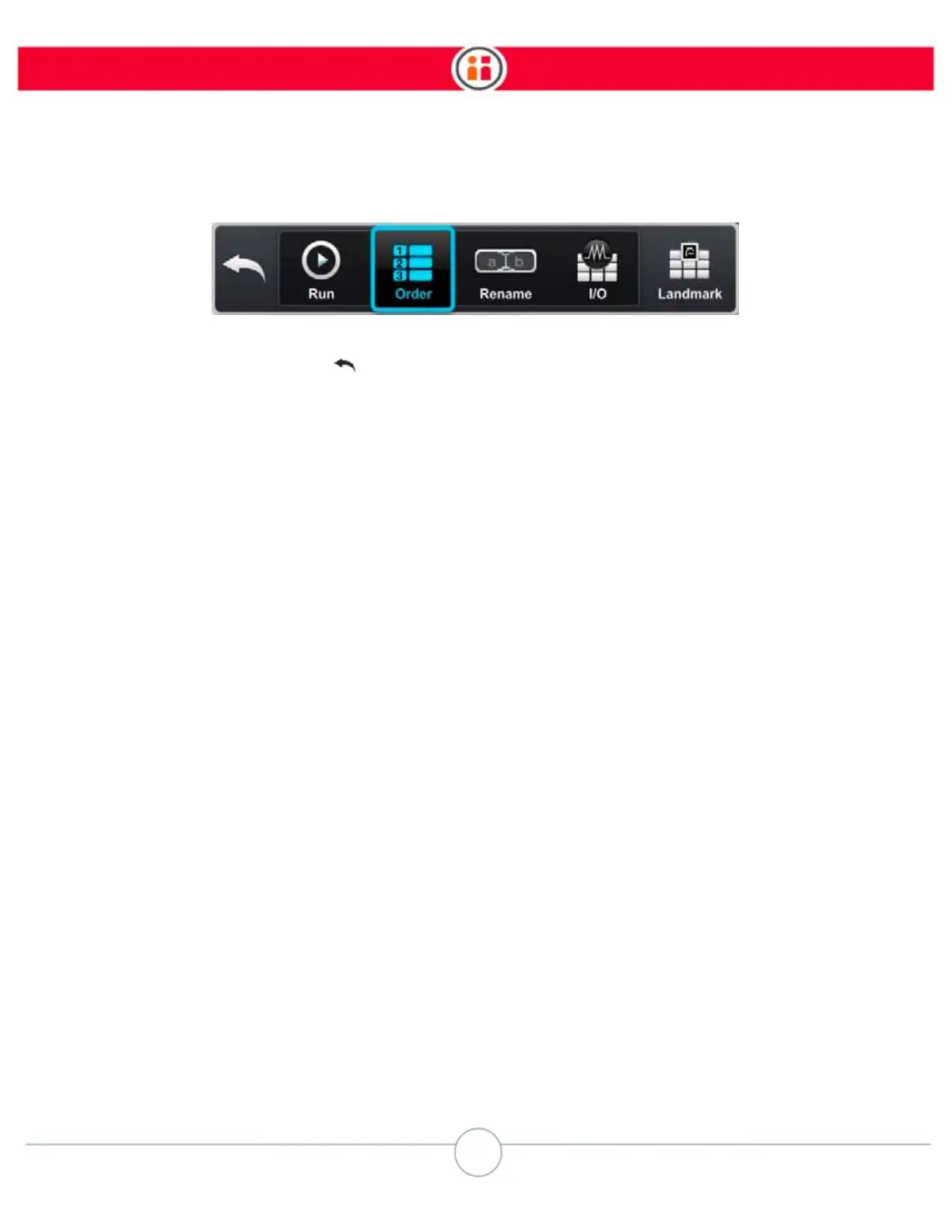
From the Task Map, pressing the Rethink button opens the task map button bar.
• Back – Close the button bar and return focus to the task map. This can also be
done using the Back button on the navigator.
• Run – Begin or continue the current task.
• Order – Open the task order screen.
• Rename – Modify the name of the task. On New, Baxter gives tasks a default
name with a numeric suffix.
Tip: Entering a unique, descriptive name will help you to more easily identify the task in
the task gallery.
• I/O – Open the signals gallery.
• Landmark – Open the landmark gallery. (See “Robot Positioning System” on
page 109.)
Note:
Baxter automatically saves tasks as they are created or modified; you do not need
to actively save while you train.



 To Next Page