44
Intera 3.2
Training and Managing Tasks
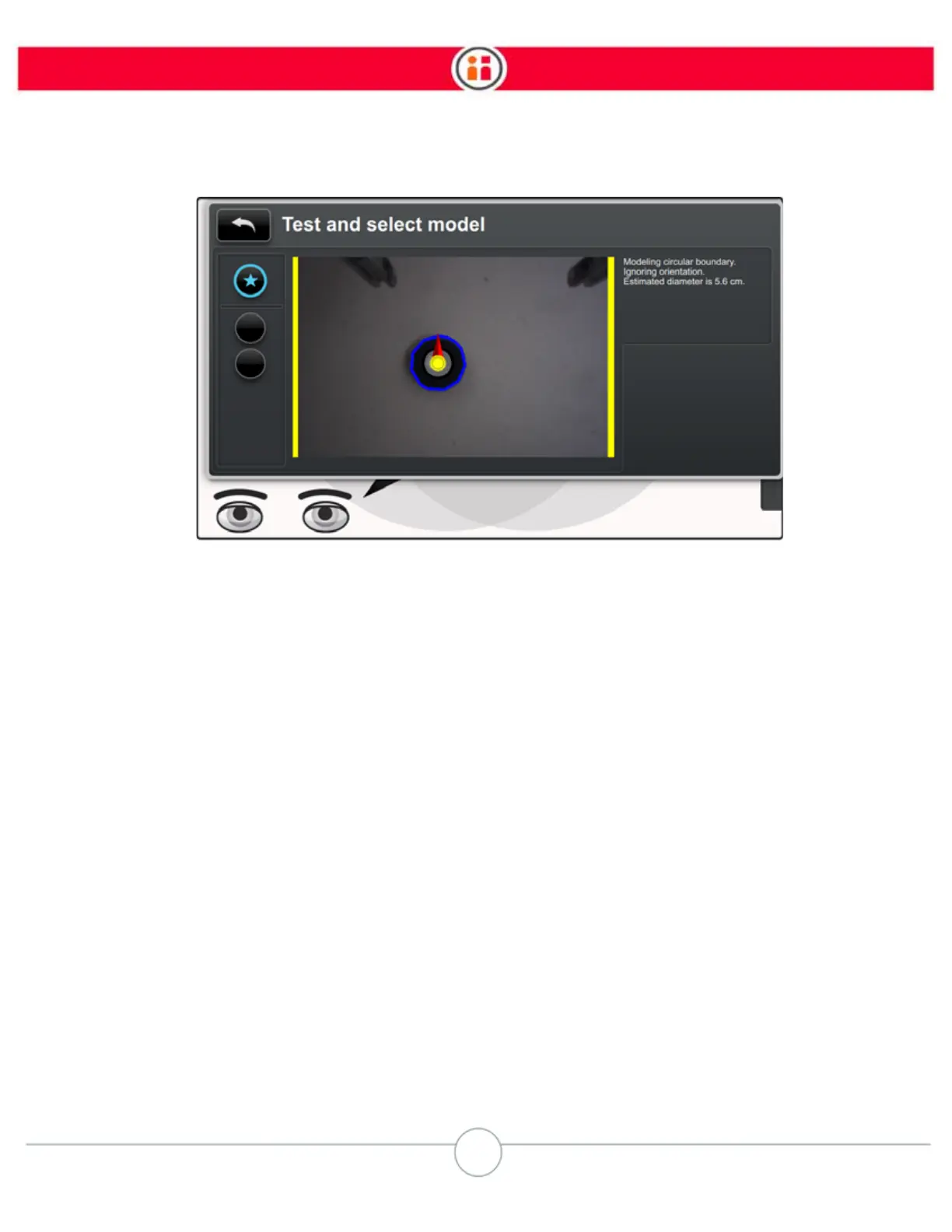
You can get further information about each of the models by pressing the Rethink button on the
Navigator. That displays which “detector” Baxter used to identify the part along with other informa-
tion, for example, the diameter of the part, what information (texture, contrast, background, bound-
ary) it considered when building the model, etc.
9. Select the best model. The object is now trained.
TROUBLESHOOTING TIPS:
If Baxter did not locate the object, or if the object is not correctly covered by the overlay, try the fol-
lowing:
• Adjust the lighting in the work area to improve the contrast and remove
shadows around the object.
• Change the contrast between the object and the work surface by placing
the object on a piece of paper.
• Remove any clutter near the object.
• Change the camera settings. See “Camera Settings” on page 45.



 To Next Page