84
Intera 3.2
Create a Path for Baxter
3. From the Task Map, scroll through the possible paths, and press OK on the one
you want to change.
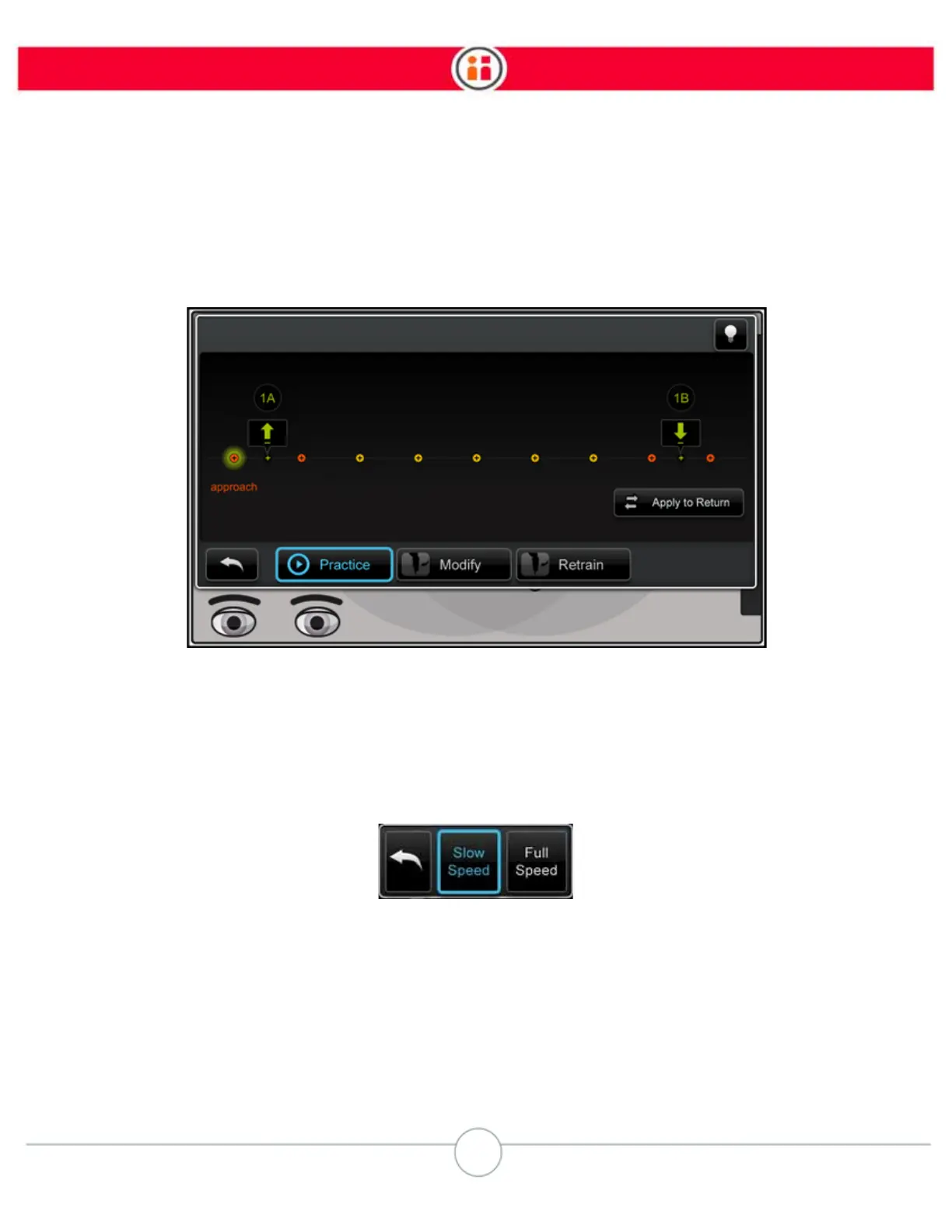
Baxter displays this screen. From here you can choose to practice, modify, or retrain the path.
After making changes to a custom path you can quickly apply those changes to its return path by
clicking the Apply to Return button. This button is always available when returning to view a path.
PRACTICE
Practice gives you a run-through of the path as it exists now. You can practice at two different
speeds: slow and full.
RETRAIN



 To Next Page