7. Changing Settings
This section describes how to operate the On-screen Display menu and its menu items.
Operating the On-screen Display Menu
You can change the screen brightness, contrast, color temperature, and other settings in
the On-screen Display menu.
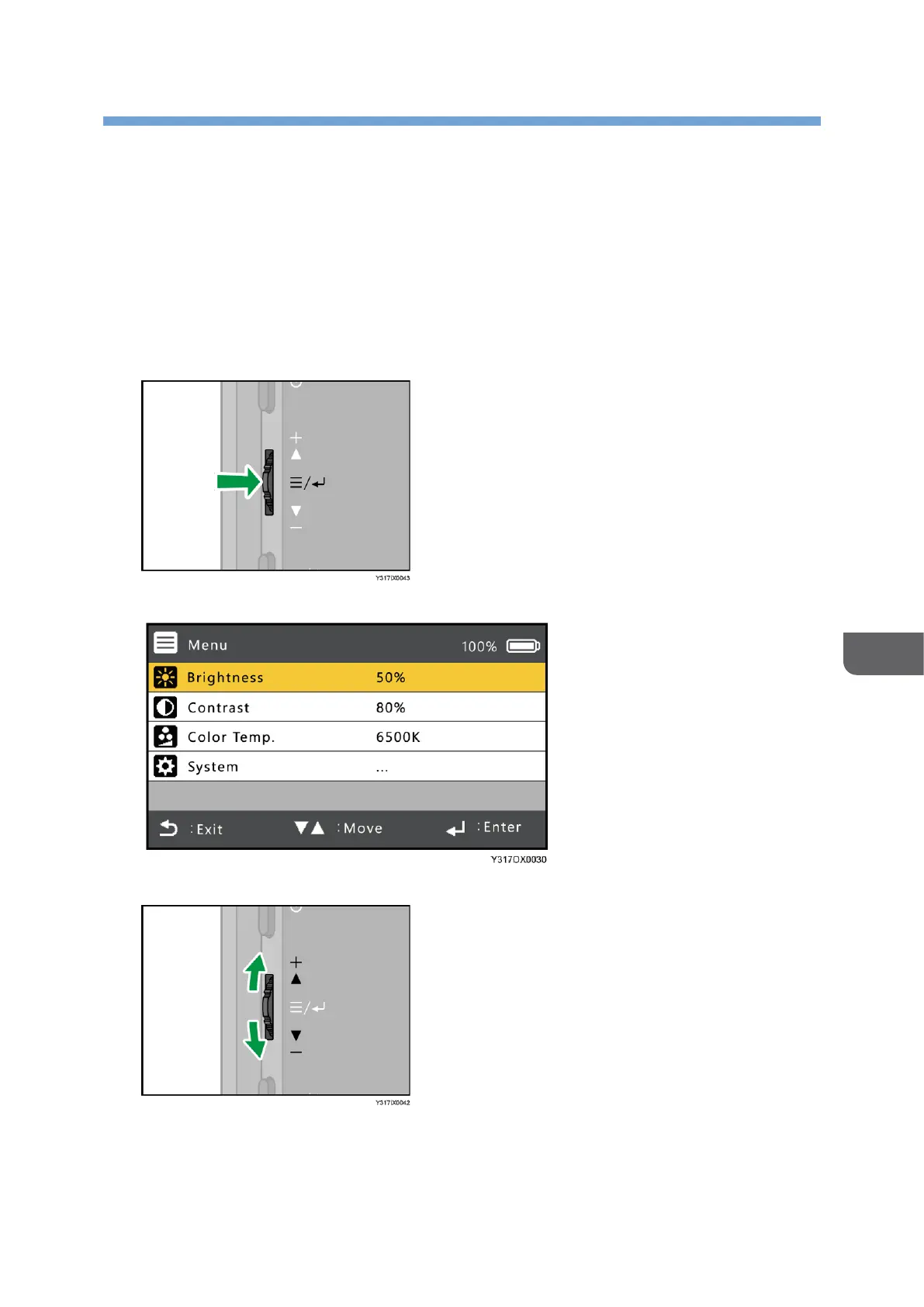
1. Press the center of the Menu/Select/Enter button.
The On-screen Display menu is displayed.
2. Slide the Menu/Select/Enter button up or down to select an item.










 To Next Page